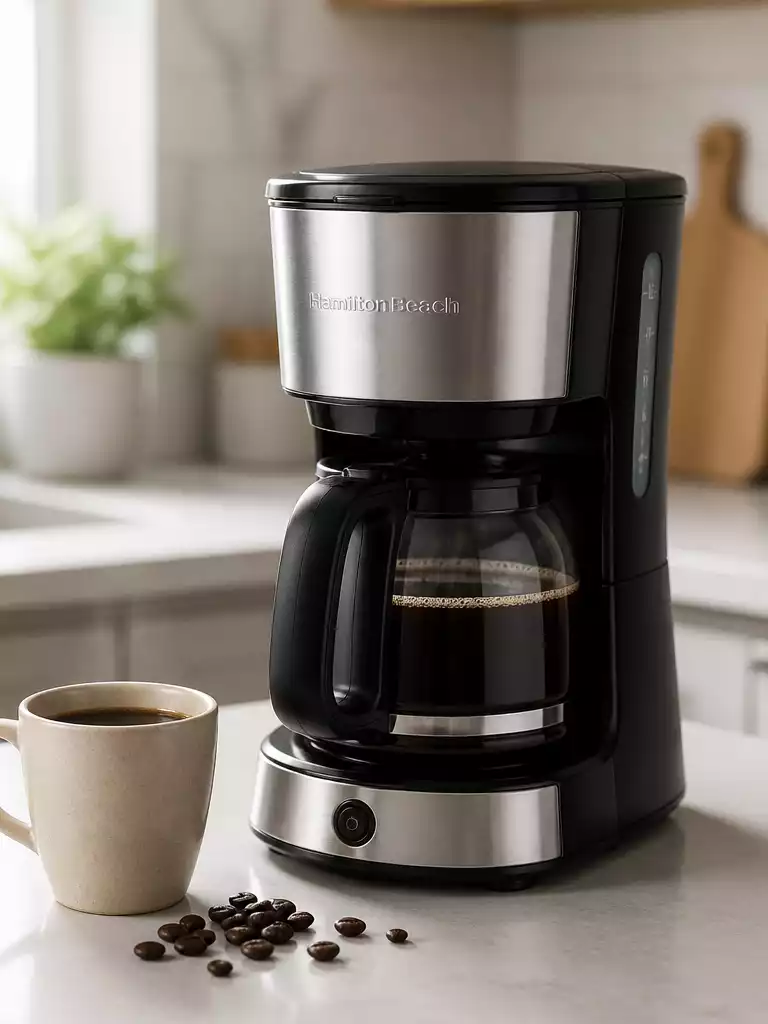
When your coffee machine refuses to cooperate, it can feel like your entire morning routine is thrown into chaos. But before you consider tossing it out, there are several straightforward troubleshooting steps you can take to revive your beloved Hamilton Beach coffee maker.
What You Will Learn
- Recognize common symptoms indicating your coffee maker may be malfunctioning, such as no power or weak coffee.
- Understand the importance of checking the power source and using different outlets to troubleshoot power issues.
- Learn how to inspect the water reservoir for clogs and ensure it is filled properly for optimal brewing.
- Discover the significance of regular cleaning and descaling to prevent future coffee maker issues.
- Create a maintenance schedule to keep your coffee maker in top condition and prolong its lifespan.
- Know the right steps to take when contacting customer service for support, including having your model number handy.
Why Your Hamilton Beach Coffee Maker is Not Working
There’s nothing quite like the aroma of freshly brewed coffee to kickstart your day. But when your Hamilton Beach coffee maker isn’t cooperating, it can be incredibly frustrating! Identifying the common symptoms of coffee maker malfunctions can help you get back to enjoying your morning brew.
Common Symptoms of Coffee Maker Malfunctions
Before diving into complex troubleshooting, let’s look at some clear signs that your coffee maker is having issues. Here are a few common symptoms to watch for:
- The coffee maker won’t turn on at all.
- You notice no water flow during brewing.
- The coffee is weak or not hot enough.
- Unusual noises or leaking fluid.
If you’ve experienced any of these symptoms, don’t worry! We’ll walk through the possible causes and solutions together.
Identifying When Your Coffee Maker Won’t Turn On
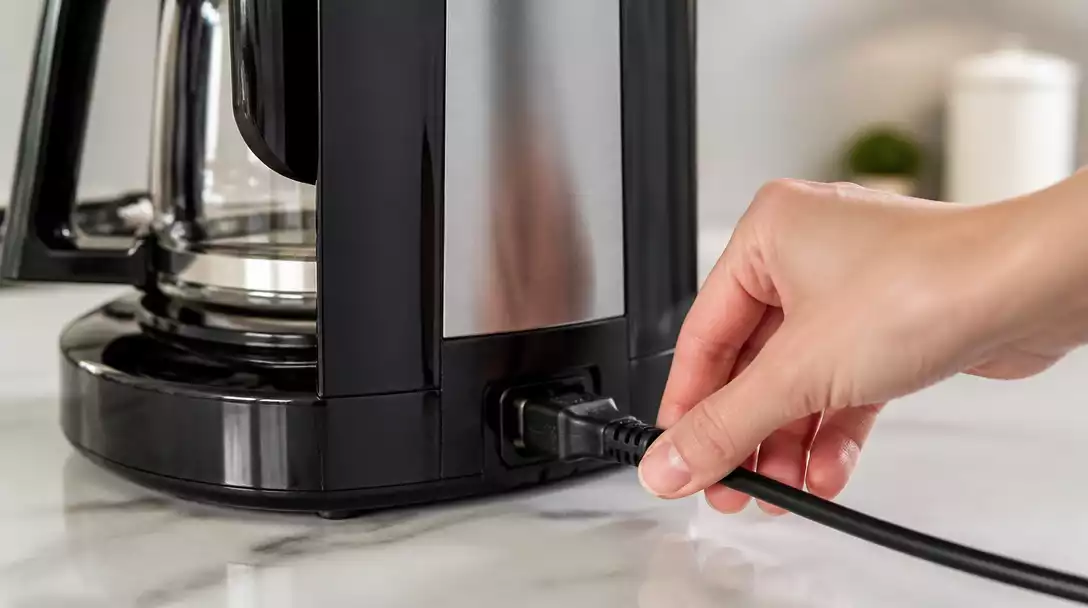
It’s alarming when you hit the button and nothing happens! If your coffee maker won’t turn on, check the power source. Ensure it’s plugged in and functioning properly. If you’re still in the dark, it might be time to examine the outlet or try another one.
Also, keep an eye on the power indicator light. If it’s off, that’s a significant clue that something more might be amiss.
Recognizing Brewing Issues: No Water Flow or Weak Coffee
Have you ever pressed brew only to discover a sad, weak cup of coffee? This can often point to clogs or issues within the brew basket. Make sure the water reservoir is filled and properly seated to avoid any brewing hiccups!
In addition, if your coffee is coming out weak, consider checking the type of coffee grounds used and the grind size. Sometimes, using too coarse a grind can lead to disappointing results. If you’re encountering similar issues with other brands, you might find our guide on why your Bella coffee maker isn’t working helpful as well.
Diagnostic Steps to Take Before Contacting Support
Before you reach out for support, there are a few simple steps you can take to diagnose the problem yourself. This can save you time and might even resolve the issue!
Checking for Power Issues: Unplugged Units and Outlet Problems
Start by confirming that your coffee maker is indeed plugged in. It sounds basic, but sometimes the simplest solutions are the easiest to overlook! If it is plugged in, try:
- Testing a different outlet to ensure the original one is functioning.
- Inspecting the power cord for any signs of damage.
- Resetting any tripped circuit breakers that might affect the appliance.
Taking these steps can often get your machine back to brewing in no time.
Assessing the Water Reservoir and Clogs: What to Look For
Next, let’s take a look at the water reservoir. Make sure it’s filled to the appropriate level. If it looks good, carefully check for any clogs in the brew basket or filter areas. Sometimes, leftover coffee grounds can create blockages!
Cleaning these parts regularly can help prevent future clogs and keep your coffee flowing smoothly. For general advice on resolving blockages, you can also refer to our article on how to unclog a coffee maker.
Understanding Error Codes: What They Mean and How to Respond
Lastly, if your coffee maker has a digital display, it might show error codes when something is wrong. These codes can guide you to the solution! Refer to your user manual for specific codes, or check Hamilton Beach’s website for assistance. Knowing what the code means can make resolving the issue much easier.
Pro Tip
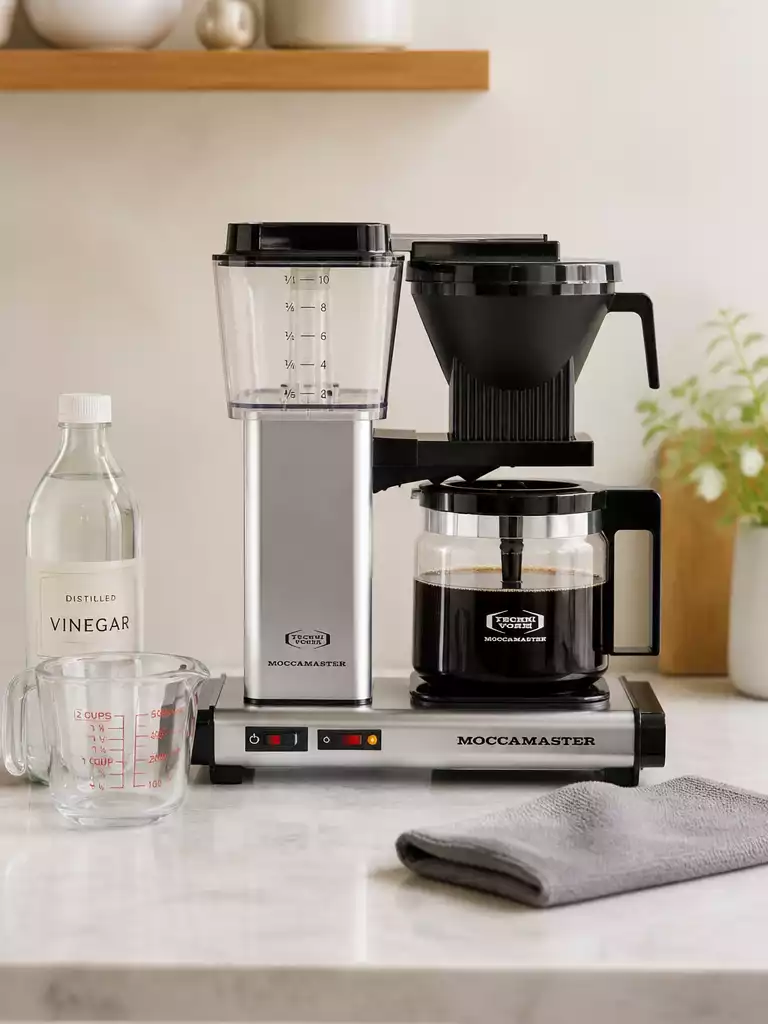
Did you know? Regularly descaling your Hamilton Beach coffee maker can significantly enhance its performance and extend its lifespan. Use a mixture of equal parts vinegar and water to clean the internal components every month, and enjoy consistently great-tasting coffee!
Summarizing the Key Troubleshooting Steps for Your Hamilton Beach Coffee Maker
When your Hamilton Beach coffee maker is acting up, it can be frustrating! However, taking a moment to step back and recap the common issues can lead to quick fixes. Here’s a summary of the main problems you might encounter and some solutions to consider:
- **Coffee maker won’t turn on:** Check the power outlet and ensure the unit is plugged in.
- **Weak or no water flow:** Inspect the water reservoir for clogs or empty conditions.
- **Inconsistent brewing temperature:** Descaling the machine can help maintain quality.
By keeping these common issues and their solutions in mind, you can effectively troubleshoot and often resolve problems without needing to call for help!
Encouragement to Diagnose Before Discarding Your Coffee Maker
It’s easy to think about replacing your coffee maker when it stops working, but I always encourage my customers to diagnose the issue first! Many common problems can be resolved with a few simple troubleshooting steps. If you take the time to identify the specific issue, you might find that your beloved machine can be revived!
Before discarding your coffee maker, consider these steps:
- Check for power issues and loose connections.
- Clean the brew basket and filter to remove any clogs.
- Descale the machine to remove mineral buildup.
By giving your coffee maker a second chance, you might just save it from an untimely retirement!
Taking Action: Next Steps for Coffee Maker Care and Maintenance
Regular Cleaning and Descaling Tips to Prevent Future Issues
Maintaining your Hamilton Beach coffee maker is essential for ensuring it operates smoothly over time. Regular cleaning and descaling are key steps! Here are some tips to keep your coffee maker in top-notch shape:
- **Daily:** Rinse the brew basket and water reservoir after each use.
- **Weekly:** Wipe down the exterior and check for any coffee grounds buildup.
- ****Monthly:** Run a vinegar solution through the machine to descale.
By adopting a cleaning routine, you can prevent many issues before they arise, ensuring your coffee maker continues to serve you well!
Creating a Maintenance Schedule for Your Coffee Maker
To make it easier to stay on top of your coffee maker’s care, consider creating a maintenance schedule. This way, you’ll have reminders for each task! Here’s a simple outline for your schedule:
- **Daily:** Rinse and refill the water reservoir.
- **Weekly:** Clean the brew basket and machine exterior.
- **Monthly:** Descale with vinegar or a commercial descaling product.
- **Annually:** Inspect for wear and tear, replacing any parts as needed.
By planning these tasks, you’ll not only prolong the life of your coffee maker but also enjoy better coffee every day!
Contacting Customer Service: Making the Most of Your Support Options
If you encounter issues that you can’t resolve, don’t hesitate to reach out for help! Hamilton Beach offers customer support to assist you with any concerns. Here’s how to make the most out of your support options:
- **Have your model number ready:** This helps customer service assist you more efficiently.
- **Explain the issue clearly:** Provide details on what you’ve already tried to troubleshoot.
- **Ask about warranty options:** If your machine is still under warranty, you might be eligible for repairs or replacements.
By being prepared, you can ensure that you get the assistance you need quickly and effectively!
Frequently Asked Questions (FAQs)
Here are some common questions about troubleshooting your Hamilton Beach coffee maker:
- Q: What should I do if my Hamilton Beach coffee maker won’t turn on?
- A: First, check if it’s properly plugged into a working outlet. Try a different outlet to rule out a power source issue. Inspect the power cord for damage and reset any tripped circuit breakers. If the power indicator light remains off, there might be an internal electrical problem.
- Q: Why is there no water flow during brewing?
- A: This often indicates a clog or an issue with the water reservoir. Ensure the reservoir is filled to the correct level and properly seated. Check the brew basket and filter areas for any blockages caused by leftover coffee grounds or mineral buildup. Regular cleaning and descaling can prevent this issue.
- Q: My coffee is weak or not hot enough. What’s wrong?
- A: Weak coffee can result from using too coarse a grind, insufficient coffee grounds, or clogs in the brewing system. If the coffee isn’t hot enough, mineral buildup (limescale) might be affecting the heating element. Descaling the machine monthly with a vinegar solution can resolve temperature issues and improve coffee strength.
- Q: How often should I clean and descale my Hamilton Beach coffee maker?
- A: You should rinse the brew basket and water reservoir daily. Weekly, wipe down the exterior and check for coffee ground buildup. Monthly, descale your machine by running a vinegar solution through it to prevent mineral buildup and ensure optimal performance and longevity.
- Q: When should I contact customer service?
- A: If you’ve tried all the troubleshooting steps—checking power, assessing water flow, cleaning, and descaling—and your coffee maker still isn’t working, it’s time to contact customer service. Be sure to have your model number ready and clearly explain all the steps you’ve already taken for more efficient assistance. You can also refer to troubleshooting guides for other brands, such as our advice on what to do when your DeLonghi coffee maker isn’t working, as some issues might have similar solutions.
Recap of Key Points
Here is a quick recap of the important points discussed in the article:
- Check power issues if your coffee maker won’t turn on; ensure it’s plugged in and the outlet is functional.
- Inspect the water reservoir for clogs or ensure it’s filled to prevent weak or no water flow during brewing.
- Regular cleaning and descaling of your coffee maker enhances performance and prevents issues.
- Create a maintenance schedule to keep your coffee maker in top shape and extend its lifespan.
- Contact customer service with your model number and details about the issue for effective assistance.