
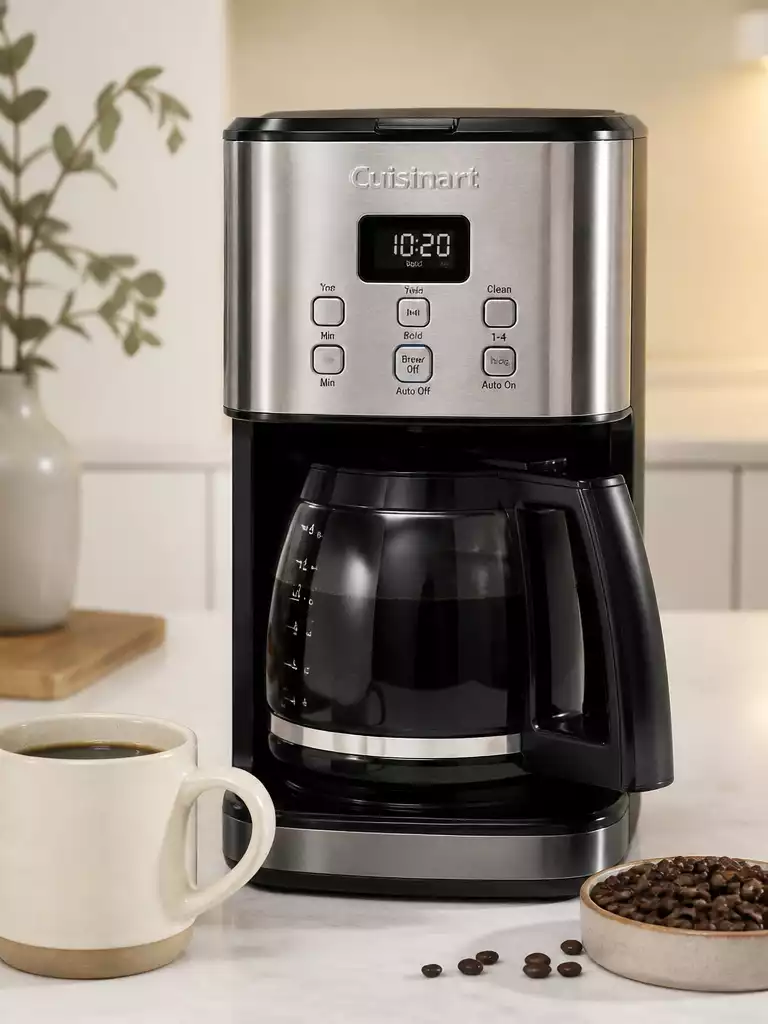
Ready to transform your mornings? A correctly set clock on your Cuisinart coffee maker can be the key to waking up to the rich aroma of freshly brewed coffee every day!
What You Will Learn
- Setting the clock enhances your coffee brewing schedule and convenience.
- Different Cuisinart models offer unique clock-setting features that can optimize your experience.
- The digital display provides essential information, including current time and brewing status.
- Regularly check the clock after power interruptions to maintain consistent brewing times.
Understanding Your Cuisinart Coffee Maker’s Clock Functionality
Having the correct time on your Cuisinart coffee maker is essential for brewing schedules and programming functions. Whether you’re an early bird wanting that first cup at dawn or a night owl who enjoys brewing late, setting the clock accurately helps you enjoy your coffee exactly when you want it.
Incorrect clock settings can lead to missed brewing times or late starts. So, ensuring your coffee maker’s clock is set correctly is a simple yet vital step for every coffee lover!
Why Setting the Clock Matters
Setting the clock on your coffee maker plays a crucial role in its functionality. With the right time, you can easily program brewing times, allowing you to wake up to the enticing aroma of fresh coffee.
- Maximize convenience with scheduled brewing
- Avoid waking up to a cold cup of coffee
- Ensure your machine is ready when you are
When the clock is set correctly, it’s easier to plan your mornings without the hassle of waiting for your coffee to brew. This small detail can significantly enhance your overall coffee experience! If you find your Cuisinart coffee maker not working as expected, sometimes a simple reset or checking the clock settings can resolve minor issues.
Different Cuisinart Models and Their Clock Settings
There are many Cuisinart models, each with unique clock-setting features. For instance, the DCC-3200C is known for its user-friendly interface, making it simple to set the time.
- DCC-3200C: Easy-to-use digital display
- SS-15: Dual coffee maker with separate clock functions
- DCC-1200: Classic model with straightforward settings
Understanding the specific features of your model can make a huge difference in how you interact with your machine. Take some time to familiarize yourself with your coffee maker’s unique clock features!
Exploring the Digital Display: What It Tells You
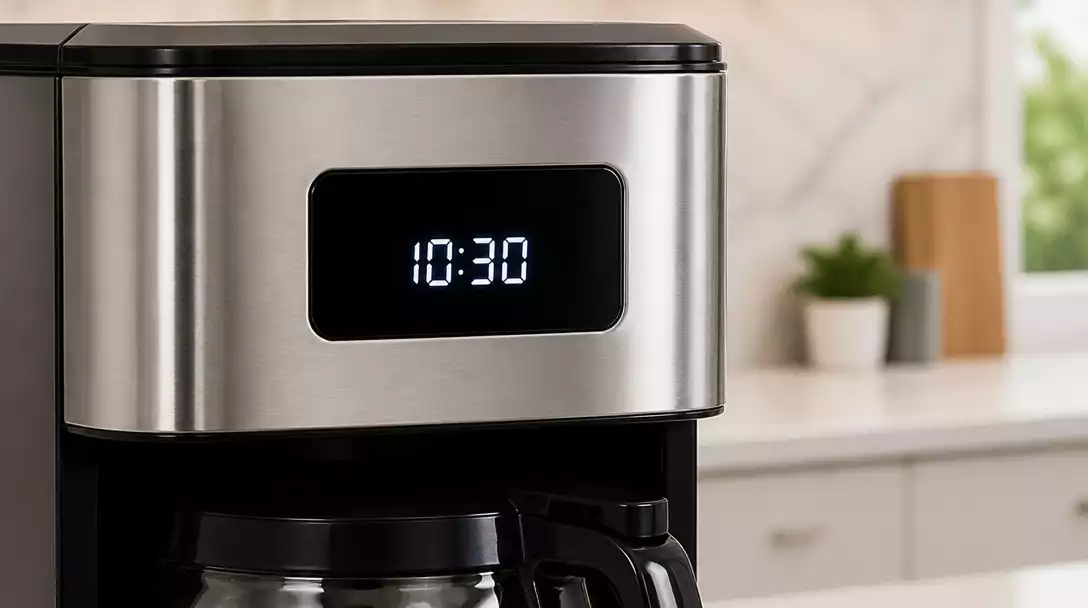
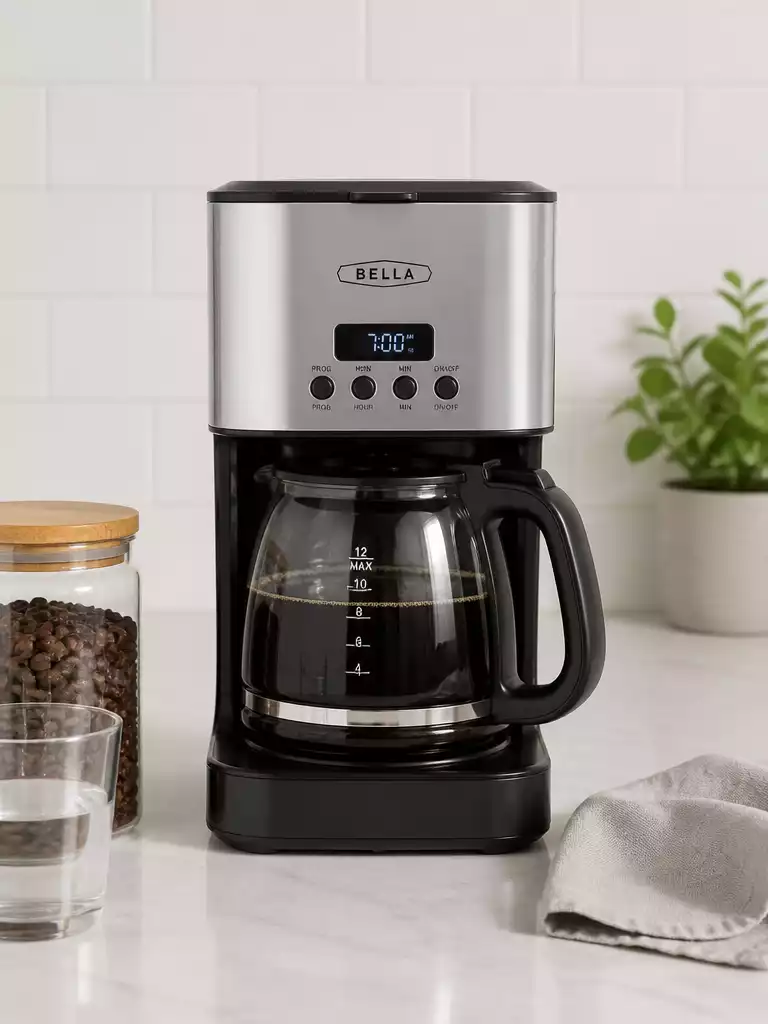
The digital display on your Cuisinart coffee maker is more than just a clock; it’s a hub of information. It shows not only the current time but also brewing status and programming options. This information helps you stay on top of your coffee routine.
- Current time for accurate brewing
- Programmed brew time for scheduled brewing
- Brewing status to let you know when your coffee is ready
By keeping an eye on the digital display, you can optimize your coffee-making process and ensure you’re brewing at the right times for maximum flavor.
Pro Tip
Did you know? Regularly updating the clock on your Cuisinart coffee maker not only ensures accurate brewing times but can also help maintain the longevity of the machine’s internal functions. By keeping the clock current, you reduce the risk of battery drain and ensure that all programmed settings operate smoothly.
Frequently Asked Questions About Setting Your Cuisinart Coffee Maker’s Clock
Here are some common questions about setting and maintaining the clock on your Cuisinart coffee maker:
- Why is it important to set the clock on my Cuisinart coffee maker?
Setting the clock accurately is crucial for utilizing the automatic brewing features and programming consistent brewing schedules. It ensures your coffee is ready exactly when you want it. - What should I do if my Cuisinart coffee maker’s clock loses time after a power outage?
After any power interruption, it’s essential to reset the clock to maintain accurate brewing times. Refer to your user manual for model-specific instructions. - Are clock-setting procedures the same for all Cuisinart models?
While many Cuisinart models share similar procedures, there can be unique features and steps depending on your specific model. Always consult your user manual for precise instructions. - What information does the digital display provide besides the time?
The digital display typically shows the current time, the programmed brew time, and the current brewing status, helping you monitor your coffee-making process. - Where can I find instructions for setting the clock on my specific Cuisinart model?
You can find detailed instructions in your coffee maker’s user manual, or by visiting the Cuisinart website’s support section and searching for your model number.
Summarizing Key Points for Clock Setting Success
Setting the clock on your Cuisinart coffee maker is crucial for ensuring that your brewing schedule aligns perfectly with your routine. A correctly set clock not only enhances your coffee experience but also ensures that you can program your machine for automatic brewing at the desired times! Here are some key points to remember:
- Accurate clock settings help in utilizing the automatic brewing features.
- Regularly check the clock after power interruptions to maintain consistency.
- Different models may have unique settings, so refer to your specific user manual.
In summary, setting the clock correctly is not just about precision; it’s about unlocking the full potential of your coffee maker. If you follow the steps outlined earlier, you’ll be on your way to enjoying perfectly brewed coffee every morning! For those interested in maintaining their machine, learning how to clean a Cuisinart coffee maker is equally important for its longevity and performance.
Engaging Users: Questions and Further Assistance
Have you had any challenges while setting the clock on your Cuisinart coffee maker? I’d love to hear your experiences or any questions you might have! Your feedback helps others in our community, and together we can troubleshoot any issues.
- What model do you have, and did you find the clock-setting process straightforward?
- Have you discovered any tips or tricks that made setting the clock easier for you?
- Are there specific features you wish your model had for better clock management?
For further learning, feel free to check out additional resources or reach out to our team. We’re always here to help!
Exploring Cuisinart Coffee Maker Customer Service and User Manuals
If you need more assistance, accessing your Cuisinart coffee maker’s user manual is a great next step. These manuals provide detailed instructions tailored to your specific model, as well as troubleshooting guides that can be invaluable for tackling common issues. Here’s how you can find them:
- Visit the Cuisinart website and navigate to the ‘Support’ section.
- Input your model number to access your manual directly.
- Reach out to Cuisinart Customer Service for personalized assistance.
Having these resources at your fingertips will ensure you can resolve any clock-setting issues quickly and efficiently. Remember, I’m here to support you in making the most of your Cuisinart coffee maker! If you ever encounter more significant operational problems, our guide on how to fix a coffee maker can provide broader troubleshooting tips.
Recap of Key Points
Here is a quick recap of the important points discussed in the article:
- Setting the clock accurately is essential for optimizing brewing schedules and ensuring your coffee is ready when you want it.
- Different Cuisinart models have unique settings, so it’s important to refer to your user manual for specific instructions.
- Regularly check your coffee maker’s clock after power interruptions to maintain consistency in brewing times.
- Utilize the digital display to monitor the current time, programmed brew times, and brewing status for an efficient coffee-making process.



Pingback: how to set time on a ninja coffee maker