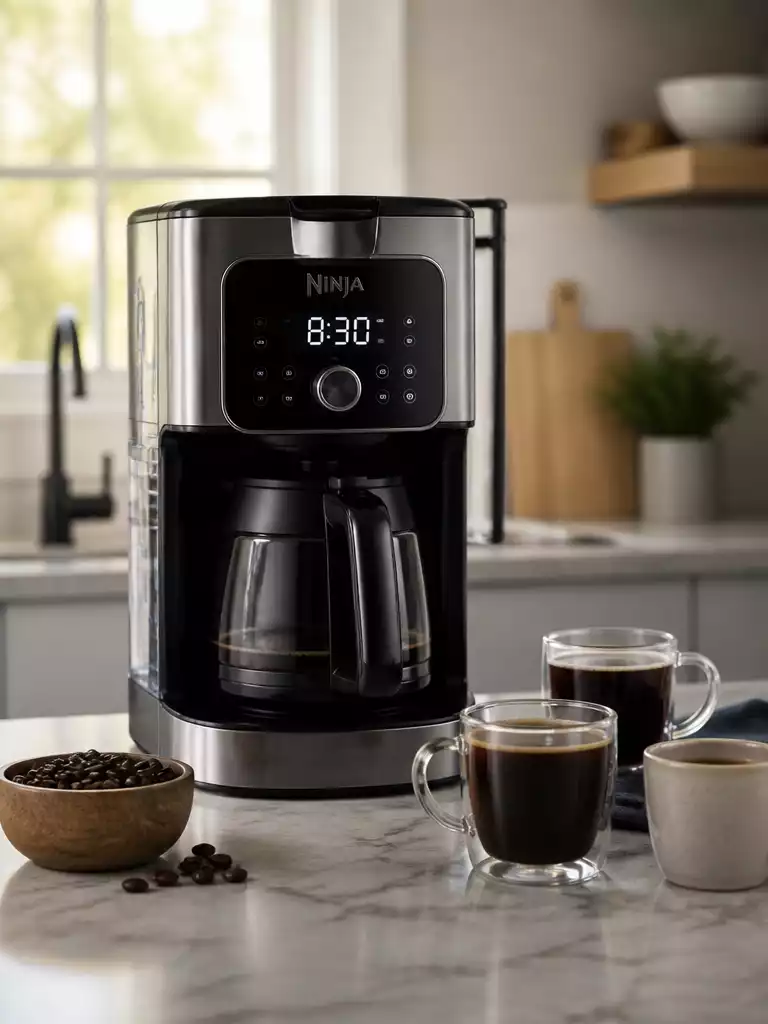
Ever wondered how a simple adjustment to your coffee maker can enhance your daily routine? Mastering the clock settings on your Ninja Coffee Maker is the first step towards brewing the perfect cup!
What You Will Learn
- Identify which Ninja Coffee Maker model you own to access the right clock-setting instructions.
- Follow a clear, step-by-step guide to accurately set the clock on your coffee maker.
- Utilize the Delay Brew feature for perfectly-timed coffee every morning.
- Avoid common pitfalls during the clock-setting process to enhance your overall brewing experience.
Essential Steps for Setting the Clock on Your Ninja Coffee Maker
Setting the clock on your Ninja Coffee Maker is the first step towards brewing the perfect cup of coffee! Whether you’re waking up to a fresh brew or enjoying coffee throughout the day, having the correct time set is crucial for optimal performance. Let’s dive into the essentials of setting that clock right, starting with the various models available.
Ninja Coffee Maker Models
Each Ninja Coffee Maker model comes with unique features that enhance your brewing experience. It’s essential to know which model you have to follow the correct steps for setting the clock. Here are some popular models:
- Ninja CE251 Programmable Brewer
- Ninja CF091 Coffee Bar
- Ninja DualBrew Pro
- Ninja Specialty Coffee Maker
By being aware of your model, you can ensure you’re accessing the right instructions, making it easier to enjoy all the features your coffee maker has to offer!
Key Features of Different Ninja Coffee Makers
Different Ninja models may include features like a built-in frother, multiple brew sizes, and even specialty brew settings. These aspects not only cater to various brewing preferences but also influence how the clock functions on each model. Understanding these features will help you set the time correctly and make the most of your coffee-making experience.
Why Model-Specific Instructions Matter
Model-specific instructions are crucial! Each model may have slight variations in button placement and functionality. Following the right guide will save you time and potential frustration, making your morning routine smoother. When you have the correct information at hand, setting the time becomes a breeze! For comparison, learning how to set the clock on a Cuisinart coffee maker might involve entirely different steps due to model variations.
Step-by-Step Guide to Set Time on Ninja Coffee Makers
Now, let’s get to the practical part! Here’s a straightforward, step-by-step guide to setting the clock on your Ninja Coffee Maker.
Accessing the Clock Settings: HR/MIN and H/M Buttons
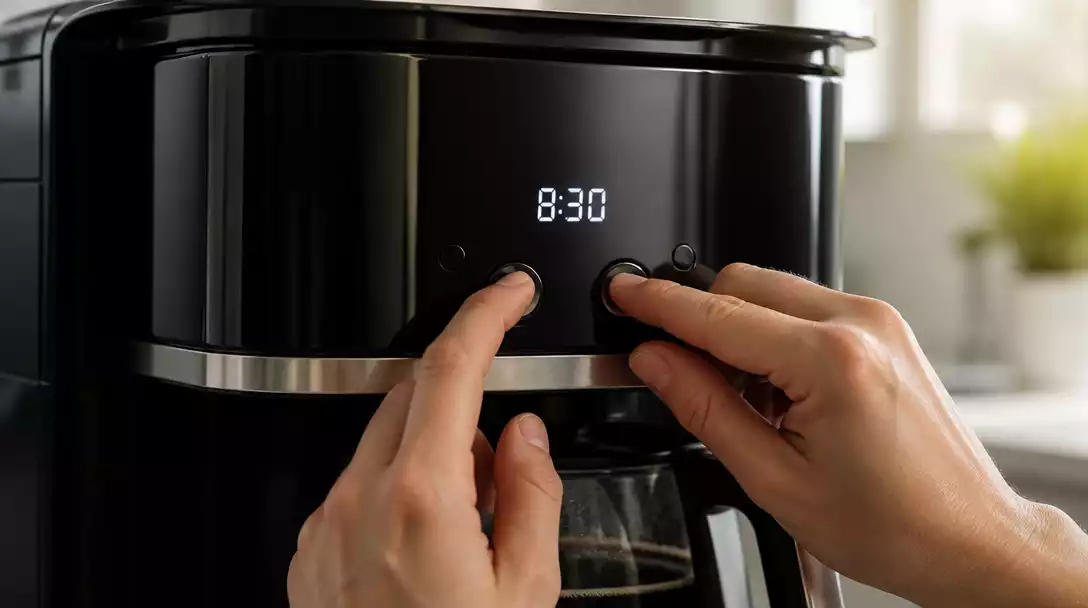
To start, locate the HR (Hour) and MIN (Minute) buttons, usually situated on the front panel. Press and hold the HR button until the hour display starts blinking. This indicates you’re ready to set the hour.
- Press the HR button to set the current hour.
- Use the MIN button to switch to minutes.
- Confirm your selection by pressing the H/M button.
By following these steps, you can easily access the clock settings and ensure your coffee maker is ready for your preferred brewing schedule!
Adjusting Hours and Minutes: A Quick Overview
Once the hour is blinking, use the HR button to adjust the hour. Next, press the MIN button to adjust the minutes. When you’re satisfied with the time, press the H/M button again to save the settings. This simple process guarantees you can enjoy freshly brewed coffee at the right time!
Saving Your Settings: Ensuring Auto-Save Works
It’s crucial to save your settings to avoid resetting the clock every time you use your coffee maker! Most Ninja models have an auto-save feature. Just ensure you complete the process by pressing the H/M button. If done correctly, your settings will remain until you decide to change them. If you ever encounter issues with your Ninja, you might find solutions similar to how to reset a Ninja coffee maker.
Pro Tip
Did you know? Regularly checking and adjusting your Ninja Coffee Maker’s clock settings can significantly enhance your brewing experience. This ensures that your coffee is always brewed at the optimal time, providing you with the freshest taste and aroma. Take a few moments each week to verify your settings, especially after power outages!
Frequently Asked Questions about Setting Your Ninja Coffee Maker’s Clock
Here are some common questions about setting the clock and using the delay brew feature on Ninja Coffee Makers:
- Why is it important to set the correct time on my Ninja Coffee Maker?
Setting the correct time ensures optimal performance, allows you to use the Delay Brew feature accurately, and guarantees your coffee is brewed precisely when you want it, enhancing your daily routine. - How do I identify my Ninja Coffee Maker model?
Your Ninja Coffee Maker model number is usually found on a label at the bottom or back of the unit. Knowing your model helps you find model-specific instructions for clock settings and other features. - What buttons do I use to set the clock on my Ninja Coffee Maker?
Most Ninja Coffee Makers use “HR” (Hour) and “MIN” (Minute) buttons to adjust the time, and an “H/M” or “Clock” button to confirm and save the settings. - What is the Delay Brew feature and how does it relate to the clock setting?
The Delay Brew feature allows you to program your coffee maker to start brewing at a specific time in the future. An accurately set clock is essential for this feature to work correctly, ensuring your coffee is ready exactly when you schedule it. - What should I do if my Ninja Coffee Maker’s clock resets after a power outage?
After a power outage, you will likely need to reset the clock manually. Follow the step-by-step guide provided in this article to quickly set the time again.
Conclusion and Next Steps for Ninja Coffee Maker Owners
As we wrap up our guide, let’s recap the key points we covered about setting the clock on your Ninja Coffee Maker and using the Delay Brew feature. We explored the vital steps needed to get your clock set correctly, ensuring you can wake up to the delightful aroma of freshly brewed coffee each morning!
We also discussed how these settings connect to the Delay Brew functionality, allowing you to schedule brewing times. By keeping your clock accurate, you’re ensuring that your coffee is brewed just when you want it – and that’s something we can all appreciate!
Recap of Key Points for Setting Time and Using Delay Brew
- Identify your specific Ninja Coffee Maker model to access model-specific instructions.
- Follow the step-by-step guide to set the clock accurately.
- Utilize the Delay Brew feature for perfectly-timed coffee.
- Avoid common pitfalls to enhance your brewing experience.
In summary, mastering the clock settings and Delay Brew feature can transform your daily coffee routine. Don’t forget to regularly check your settings, especially after power outages! For general maintenance tips, you might also be interested in how to clean a Ninja coffee maker to keep it in top condition.
Additional Resources for Troubleshooting and Maintenance
To further assist you, I’ve gathered some valuable resources that can enhance your experience with your Ninja Coffee Maker. These links will direct you to user manuals and troubleshooting tips tailored to different models.
Links to User Manuals for Different Ninja Models
These manuals contain essential information that can help you tackle any issues that may arise with your machine’s clock or brewing functions.
Encouragement to Share Your Experiences and Tips
I always love hearing from fellow coffee enthusiasts! If you have tips or experiences you’d like to share regarding your Ninja Coffee Maker, feel free to reach out. Your insights could help others in our coffee-loving community!
Accessing Community Forums for User Support
Consider joining online forums where you can connect with other Ninja Coffee Maker owners. Here, you can ask questions, share advice, and discover new brewing techniques!
Remember, every coffee maker has its quirks, and sharing knowledge only enriches our brewing adventures!
Recap of Key Points
Here is a quick recap of the important points discussed in the article:
- Identify your specific Ninja Coffee Maker model to access model-specific instructions.
- Follow the step-by-step guide to set the clock accurately.
- Utilize the Delay Brew feature for perfectly-timed coffee.
- Avoid common pitfalls to enhance your brewing experience.