
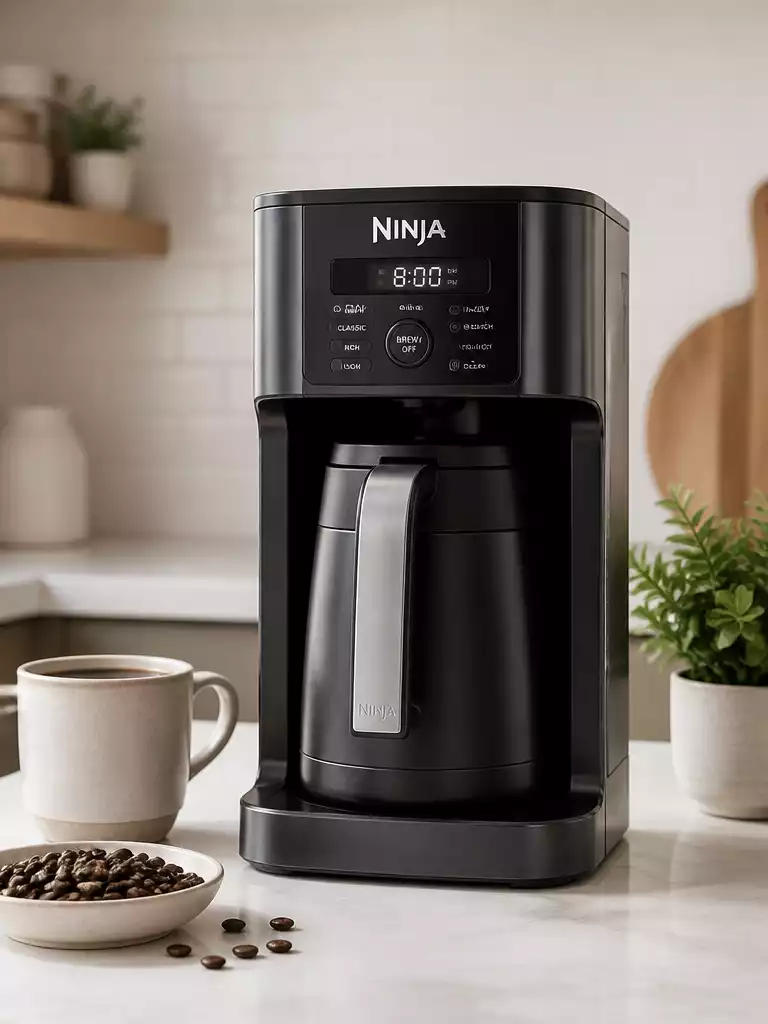
Have you ever faced a frustrating moment when your beloved Ninja Coffee Maker just wouldn’t respond? Understanding how to troubleshoot and reset your machine can turn your coffee crisis into a seamless brewing session.
What You Will Learn
- Recognize common reasons for needing a reset, including unresponsiveness and error codes.
- Identify symptoms indicating a reset might be necessary, such as flashing lights and error alerts.
- Understand the importance of regular maintenance to prevent the need for resets.
- Learn actionable steps to take when your coffee maker displays issues, ensuring a perfect brew every time.
Understanding the Need for a Reset on Your Ninja Coffee Maker
Let’s face it, we all love our Ninja Coffee Makers, but sometimes they just need a little TLC. A reset can be essential when your coffee maker stops responding or displays error codes that leave you scratching your head. Resetting your Ninja Coffee Maker can be a simple yet effective solution to restore its functionality and get back to brewing that perfect cup of coffee!
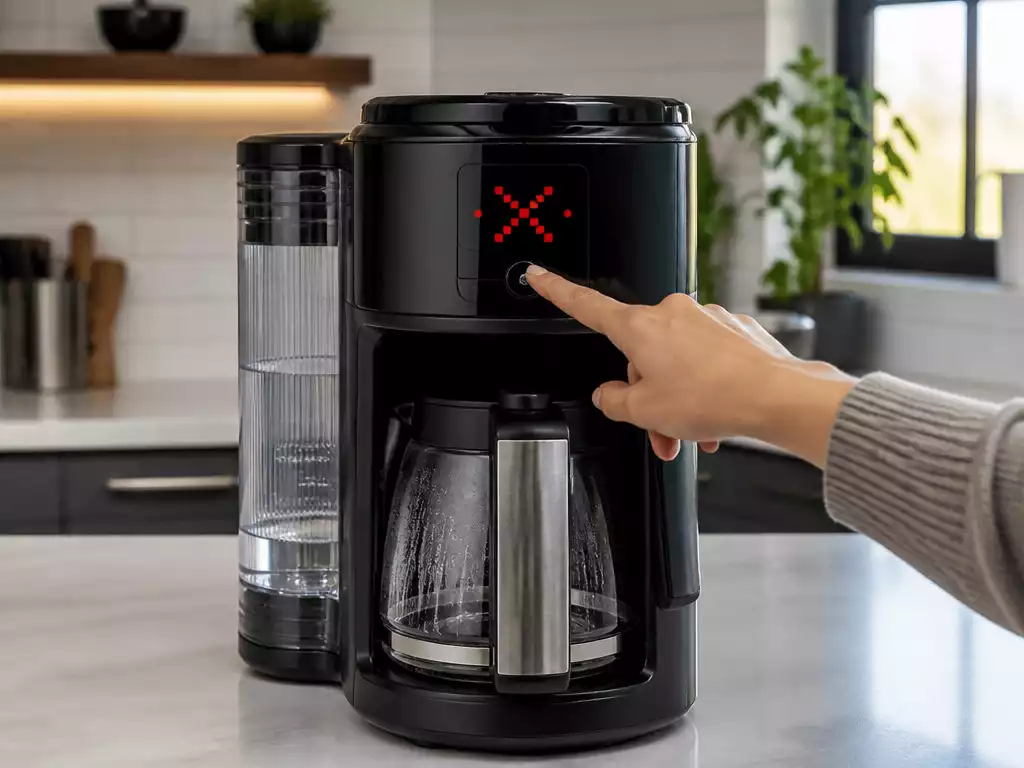
So, why might you need to reset your Ninja Coffee Maker? There are a few common reasons that I’ve come across while helping friends and customers. If you’ve experienced unresponsiveness or an error message flashing on the screen, then you’re not alone!
Why Might You Need to Reset Your Ninja Coffee Maker?
There are several situations where a reset becomes necessary. If your coffee maker isn’t responding to commands, it’s time to troubleshoot. Here are some reasons you may need to consider:
- Unresponsiveness: Your machine may not respond when you press buttons.
- Error Codes: Error messages can signal that something’s amiss.
- Power Surges: Sudden changes in electricity can cause malfunctions.
- Regular Maintenance: Sometimes, a reset is just part of keeping things in top shape!
Being proactive about your coffee maker’s performance can save you a lot of hassle. I recommend keeping an eye on your machine and addressing any issues as they arise.
Identifying Symptoms Before the Reset
Before jumping into a reset, it’s crucial to identify the symptoms. Recognizing what your coffee maker is telling you can make all the difference. Here are some common signs that indicate a reset might be necessary:
- Flashing Lights: If the buttons are blinking erratically, this can be a red flag.
- Error Codes: Different models display various codes, which can help pinpoint the issue.
- Five Beeps of Death: Yes, this infamous sound indicates something has gone horribly wrong!
By paying attention to these symptoms, you can decide whether a reset is the best course of action to get your Ninja Coffee Maker back in working order. Trust me, addressing these issues early can lead to a smoother brewing experience!
Pro Tip
Did you know? Regularly descaling your Ninja Coffee Maker can prevent buildup that leads to performance issues. Use a mixture of vinegar and water every few months to keep your machine in top shape!
Frequently Asked Questions About Resetting Your Ninja Coffee Maker
Here are some common questions about troubleshooting and resetting Ninja Coffee Makers:
- Q: Why is my Ninja Coffee Maker not responding?
- A: Unresponsiveness can be caused by power surges, internal errors, or simply a need for a system refresh. A reset often resolves these issues.
- Q: What should I do if my Ninja Coffee Maker displays an error code?
- A: Error codes indicate specific problems. Consulting your user manual for the meaning of the code is recommended, but a reset can often clear temporary errors.
- Q: How often should I perform maintenance on my Ninja Coffee Maker?
- A: Regular maintenance, such as descaling every few months, is crucial for preventing issues and extending your machine’s lifespan. This can reduce the need for frequent resets.
- Q: Can a power surge damage my Ninja Coffee Maker?
- A: Yes, power surges can sometimes cause internal malfunctions or lead to your machine becoming unresponsive. A reset might help restore its normal operation after a surge.
Final Thoughts on Ninja Coffee Maker Reset Procedures
Understanding how to reset your Ninja Coffee Maker is crucial for keeping your brewing experience enjoyable and hassle-free. Whether it’s due to an unresponsive machine or a flashing light that indicates something’s off, knowing the reset procedures can save you a lot of frustration. Regular maintenance and attention to your machine’s needs not only prolong its life but also ensures your coffee comes out just right every time!
Remember, proper maintenance can often reduce the need for resets. So, take a moment to consider how you treat your coffee maker. By following the guidelines mentioned earlier, you’ll not only enhance the lifespan of your machine but also elevate your overall coffee experience.
Take Action for a Better Brewing Experience
Now that you have the knowledge to handle resets effectively, I encourage you to give the methods outlined a try! You might find that a simple reset can make all the difference in your morning routine. Don’t hesitate to share your experiences or ask any questions in the comments below—your insights can help others in the coffee-loving community.
- Experiment with the reset methods detailed in this article.
- Observe any changes in your coffee maker’s performance.
- Join the conversation and share your thoughts or struggles!
By engaging with the community, we can all learn from each other’s experiences and continue brewing that perfect cup of coffee!
Recap of Key Points
Here is a quick recap of the important points discussed in the article:
- A reset can restore functionality when your Ninja Coffee Maker is unresponsive or showing error codes.
- Common reasons for a reset include unresponsiveness, error codes, power surges, and regular maintenance.
- Symptoms indicating a reset may be necessary include flashing lights, specific error codes, and the infamous “five beeps of death.”
- Regular maintenance can reduce the need for resets and prolong the life of your coffee maker.
- Engaging with the community can provide support and shared experiences in troubleshooting.
Pingback: how to reset a krups coffee maker
Pingback: How to Set the Time on a Ninja Coffee Maker
Pingback: mr coffee maker not working