
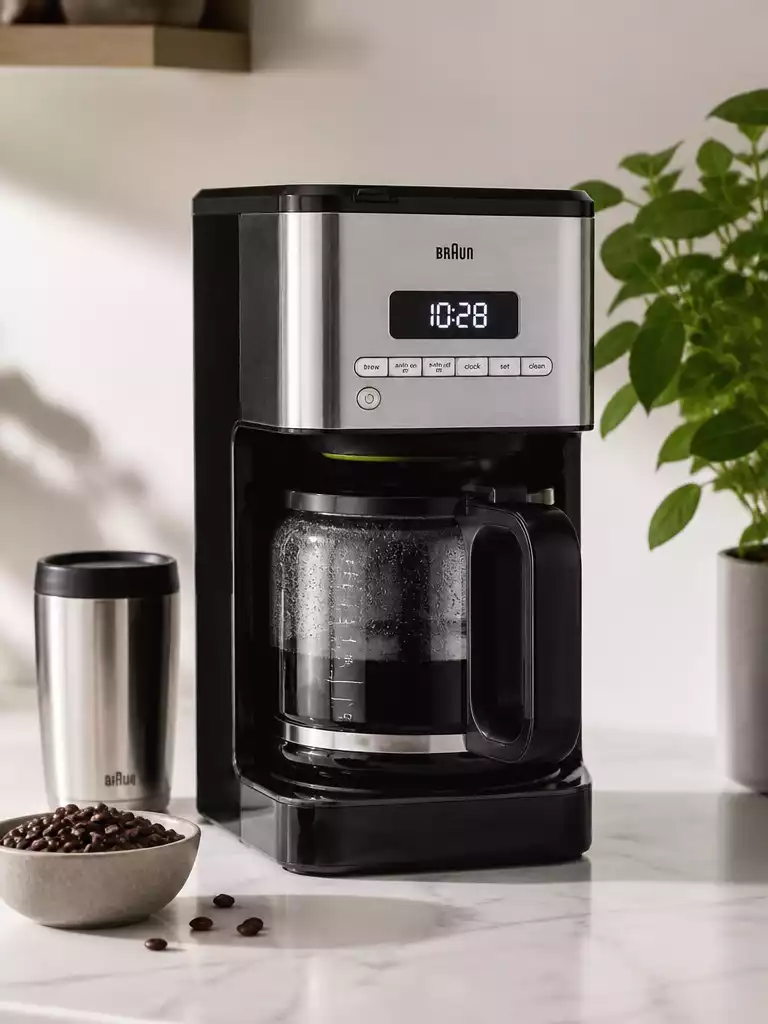
Did you know that understanding common issues with your Braun coffee maker can save you time and frustration? By identifying problems early, you can enjoy your coffee without interruption.
What You Will Learn
- Common reasons why your Braun coffee maker may not brew include power issues, an empty water reservoir, or interrupted brew cycles.
- Slow brewing can often be caused by clogged filters, mineral buildup from hard water, or the need for routine cleaning.
- Familiarize yourself with common error codes like E1 (water supply issue), E2 (temperature problem), and E3 (circuit failure) for quick troubleshooting.
- Recognizing signs of clogging, such as weak coffee flavor and unusual noises, can help maintain optimal brewing performance.
- Regular maintenance, including checking power connections, inspecting the filter, and resetting the machine, is essential for smooth operation.
- Utilize resources such as user manuals and community forums to enhance your knowledge and support network as a Braun coffee maker owner.
Identifying Common Issues with Braun Coffee Makers
As a proud Braun coffee maker owner, I’ve had my share of brewing hiccups. Understanding common issues can save you time and frustration when your coffee maker doesn’t work as it should. In this section, we’ll explore the typical problems that can arise and how you can identify them quickly.
From brewing failures to slow performance, knowing what to look for can help you get your coffee maker back on track. I’ve gathered insights that I believe will be helpful for anyone facing issues with their Braun coffee machine.
Understanding Why Your Braun Coffee Maker Won’t Brew
Have you ever pressed that brew button only to find your Braun coffee maker silent? It’s frustrating, right? There are a few common reasons why this might happen, and I’d like to share them with you.
- The power supply may be interrupted.
- The water reservoir may be empty or improperly seated.
- The brew cycle may have been interrupted unexpectedly.
If your coffee maker won’t brew, start by checking these basics. Ensuring that everything is connected properly can often resolve the issue without needing any complex troubleshooting!
Diagnosing Slow Brewing in Your Braun Coffee Maker
Slow brewing can be a real annoyance, especially when you’re craving that first cup of coffee. Identifying the cause is essential to get back to your morning routine. Here are a few factors that might contribute to this dilemma:
- Clogged coffee grounds or filters can slow down the process.
- Mineral buildup from hard water may affect brewing speed.
- The coffee maker might require routine cleaning.
When you notice your coffee taking longer than usual, consider these points. A little maintenance can make a big difference in brewing times!
Common Error Codes and What They Mean
Sometimes, our Braun coffee makers communicate with us through error codes. Understanding these codes can help you pinpoint the issue quickly and efficiently. Here are some common codes you might encounter:
- Error code E1 indicates a water supply issue.
- Error code E2 signifies a temperature problem.
- Error code E3 alerts you to a circuit failure.
When you see an error code, don’t panic! Refer to your user manual for further instructions on how to address these specific issues.
Recognizing Clogging Issues in Your Braun Coffee Maker
Clogging is one of the most common problems faced by coffee maker enthusiasts. Recognizing the signs of a clogged machine can save you time and restore your brewing capabilities. Key indicators of clogging include:
- Weak coffee flavor due to insufficient water flow.
- Unusual noises from the machine during the brewing process.
- Inconsistent brewing times.
If your coffee is tasting off or your machine is acting up, it might be time to check for clogs. Regular cleaning and maintenance can help prevent these pesky issues from arising!
Pro Tip
Did you know? Regularly descaling your Braun coffee maker can significantly improve its performance and prolong its lifespan. Using a mixture of equal parts water and white vinegar can help remove mineral buildup, ensuring your coffee brews at optimal speed and flavor!
Recap of Essential Troubleshooting Steps
Now that we’ve gone through the common issues and their solutions, it’s time to recap the essential troubleshooting steps for your Braun coffee maker. This summary will help ensure you have everything at your fingertips when your coffee maker acts up!
- Check the power and water supply to ensure your coffee maker is functioning.
- Inspect the filter basket and carafe placement for optimal brewing conditions.
- Consider resetting your coffee maker if you encounter persistent problems.
- Don’t forget to keep up with regular maintenance to avoid future issues.
These key points should make it easier for you to resolve any unexpected hiccups with your Braun coffee maker. I always emphasize that staying proactive is a great way to keep your machine running smoothly!
Reviewing Key Points for Swift Resolutions
In troubleshooting your Braun coffee maker, there are a few crucial aspects to remember. It’s all about being thorough and patient!
- Start by ensuring your coffee maker is plugged in and the outlet is functioning.
- Check the water reservoir for blockages or low water levels.
- Make sure the carafe is seated correctly on the warming plate.
- Reset the machine if it continues to misbehave after these checks.
These straightforward steps can make a world of difference. I’ve often seen customers resolve their issues quickly just by following this simple checklist!
Frequently Asked Questions About Braun Coffee Makers
Here are some common questions and answers to help you troubleshoot your Braun coffee maker efficiently.
- Q: What are the most common reasons a Braun coffee maker won’t brew?
- A: The most common reasons include power supply interruptions, an empty or improperly seated water reservoir, or an unexpectedly interrupted brew cycle.
- Q: Why is my Braun coffee maker brewing slowly?
- A: Slow brewing is often caused by clogged coffee grounds or filters, mineral buildup from hard water, or the need for routine cleaning and descaling.
- Q: What do error codes E1, E2, and E3 mean on a Braun coffee maker?
- A: Error code E1 typically indicates a water supply issue, E2 signifies a temperature problem, and E3 alerts you to a circuit failure. Always refer to your user manual for specific instructions.
- Q: How can I tell if my Braun coffee maker is clogged?
- A: Signs of clogging include weak coffee flavor due to insufficient water flow, unusual noises during the brewing process, and inconsistent brewing times. Regular cleaning helps prevent these issues.
- Q: What are essential maintenance tips for a Braun coffee maker?
- A: Essential maintenance includes checking power connections, inspecting and cleaning the filter, regularly descaling to remove mineral buildup, and performing occasional resets. Staying proactive helps maintain smooth operation.
Next Steps for Braun Coffee Maker Owners
As a Braun coffee maker owner, it’s essential to stay informed about your machine and its maintenance. This knowledge not only helps you troubleshoot effectively but also enhances your overall coffee experience.
Staying Informed with Maintenance and Support Resources
One of the best ways to ensure your coffee maker continues to perform well is by utilizing available maintenance and support resources. These can provide additional insights and details that can help you maximize the lifespan of your machine.
- Check the Braun website for user manuals and troubleshooting guides.
- Sign up for newsletters from Braun for tips and special offers.
- Join online forums or community groups dedicated to Braun coffee makers.
By keeping up with these resources, you’ll always be one step ahead in maintaining your coffee maker. Plus, I always love sharing tips with fellow coffee enthusiasts!
Exploring Braun Coffee Maker Models and Features
If you’re thinking about upgrading your coffee experience, it’s worthwhile to explore other Braun coffee maker models and features. Each model has unique functionalities that can enhance your brewing process.
- Consider models with programmable settings for added convenience.
- Look for features like built-in grinders for fresh coffee.
- Explore options with thermal carafes to keep your coffee hot longer.
These features not only make brewing coffee more enjoyable but can also cater to your specific preferences. I always enjoy exploring the latest models to see how they can enhance my morning routine!
Encouraging User Engagement: Share Your Experiences
Lastly, I’d love to hear from you! Engaging with fellow Braun coffee maker users can provide valuable insights and tips that might help you solve issues even faster.
- Share your troubleshooting successes on social media.
- Join forums to discuss common problems and solutions.
- Leave reviews for your coffee maker to help others in their purchasing decisions.
By sharing your experiences, you contribute to a community that thrives on knowledge and support. Plus, it’s always nice to connect with others who appreciate a good cup of coffee just as much as you do!
Recap of Key Points
Here is a quick recap of the important points discussed in the article:
- Check the power supply and ensure the water reservoir is properly seated to avoid brewing failures.
- Identify slow brewing causes, such as clogged filters and mineral buildup, and perform regular cleaning.
- Understand common error codes (E1, E2, E3) to quickly diagnose issues with your coffee maker.
- Recognize signs of clogging, including weak flavor and unusual noises, and maintain your machine to prevent it.
- Utilize Braun’s website for manuals and support, and engage with the community for additional tips.
- Consider exploring different Braun models and features to enhance your coffee brewing experience.
Pingback: how to fix a nespresso coffee maker
Pingback: How to Fix a Bunn Coffee Maker: Troubleshooting Guide