
Have you ever been frustrated by a coffee grinder that just won’t cooperate? Understanding how to reset your grinder can be the key to ensuring that each cup of coffee is just as delightful as the last.
What You Will Learn
- Common scenarios that necessitate a reset of your coffee grinder, including power interruptions and performance drops.
- How to identify your coffee grinder model for accurate resetting procedures.
- Key methods for resetting your grinder: power reset, circuit breaker reset, thermal cut-out reset, factory reset, and grind calibration reset.
- Resources for additional support from brands like Breville, Grindmaster, and Ceado, along with community forums for shared experiences.
Why You Might Need to Reset Your Coffee Grinder
There are various scenarios where a reset might be essential for your coffee grinder’s performance. Common issues include unexpected power interruptions, unresponsive settings, or noticeable dips in grinding quality. These factors can lead to a frustrating brewing experience, leaving you craving that perfect cup of coffee!
As a coffee enthusiast, I’ve encountered these issues firsthand in my journey. Resetting my grinder has often been a lifesaver, transforming my morning routine back to its delightful self. Let’s dive into some of the typical reasons you may need to hit that reset button!
Common Reasons for Resetting a Coffee Grinder
- Power Interruptions: Sudden power cuts can disrupt your grinder’s settings.
- Malfunctioning Settings: A grinder might stop responding to commands if there’s a glitch.
- Performance Drops: If you notice inconsistent grind sizes, it’s time for a reset.
Each of these scenarios not only hampers your coffee-making ritual but could also affect the taste of your brew. By understanding the reasons behind a reset, you can quickly restore your grinder to its optimal functioning state!
Identifying Your Coffee Grinder Model
Before you reset, it’s crucial to know your coffee grinder’s model. Different brands like Breville, Grindmaster, and Ceado have unique reset procedures. Here’s how to locate your model information:
- Check the bottom or back of your grinder for a label with the model number.
- Refer to the manual that came with the grinder; model details are usually listed there.
- Visit the manufacturer’s website for detailed specifications based on your grinder’s appearance.
Identifying your model is essential for following the correct resetting steps. Each model might have specific quirks, and knowing yours can save you time and frustration!
Pro Tip
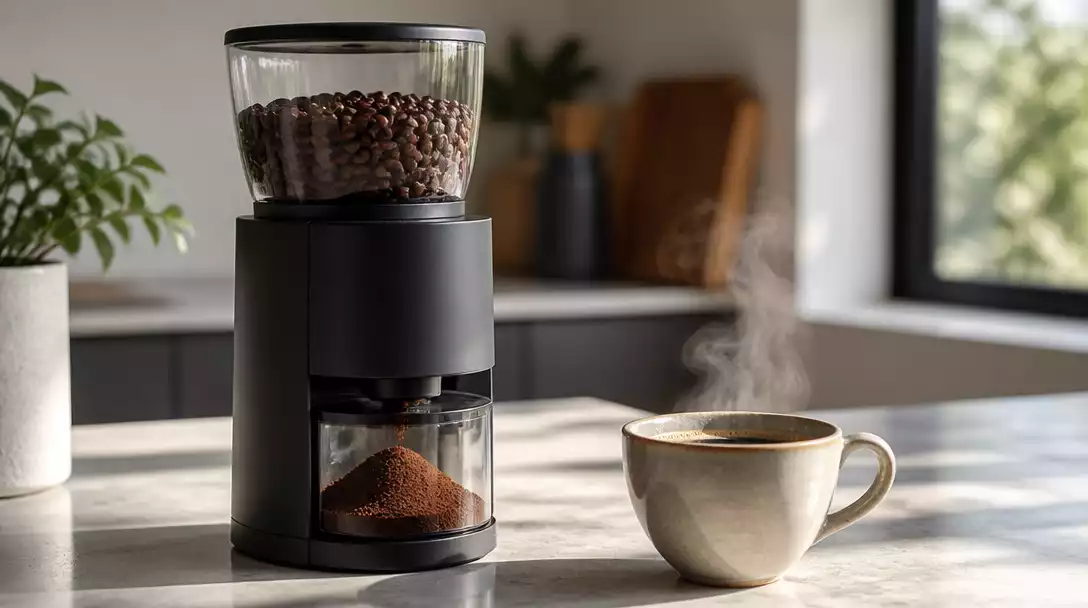
Before resetting your coffee grinder, consider cleaning it thoroughly. Residue buildup can often mimic performance issues. A good cleaning can sometimes resolve problems without needing a full reset! For detailed instructions, learn how to clean a coffee grinder effectively.
Summarizing the Process for Resetting Your Coffee Grinder
Resetting your coffee grinder can seem daunting, but it’s quite simple once you know the key methods! Here’s a quick recap of important reset methods and when to utilize them:
- Power Reset: Unplug and replug your grinder to reset minor power issues.
- Circuit Breaker Reset: Locate your circuit breaker and ensure it hasn’t tripped.
- Thermal Cut-Out Reset: Check for thermal cut-out switches that may need resetting for safety.
- Factory Reset: Use this for a comprehensive reset to original settings if the grinder is malfunctioning.
- Grind Calibration Reset: Adjust grind settings when switching between coffee types to achieve the best flavor.
Each method serves a unique purpose, so knowing when to apply them can save you time and frustration. And remember, if your grinder still isn’t performing well after these steps, it might be time to dive deeper into troubleshooting!
Frequently Asked Questions About Resetting Coffee Grinders
- Q: Why would I need to reset my coffee grinder?
- A: You might need to reset your grinder due to power interruptions, unresponsive settings, or a noticeable decline in grinding performance, leading to inconsistent grind sizes.
- Q: How do I find my coffee grinder’s model number?
- A: The model number is typically found on a label on the bottom or back of your grinder, in the user manual, or on the manufacturer’s website under product specifications.
- Q: What’s the difference between a power reset and a factory reset?
- A: A power reset involves simply unplugging and replugging the grinder to clear minor electrical glitches. A factory reset, however, restores the grinder to its original default settings, which is useful for more persistent malfunctions.
- Q: Can cleaning my grinder help avoid the need for a reset?
- A: Yes, thoroughly cleaning your grinder can often resolve performance issues caused by residue buildup, sometimes eliminating the need for a full reset. Regularly cleaning your grinder can also prevent clogs. If you’re experiencing a blockage, it’s helpful to know how to unclog a coffee grinder.
- Q: When should I consider a grind calibration reset?
- A: A grind calibration reset is particularly useful when you switch between different types of coffee beans or brewing methods, as it allows you to fine-tune the grind settings for optimal flavor extraction.
Next Steps and Additional Resources
Now that you’ve got the reset process down, I encourage you to consult your specific brand’s resources for more detailed troubleshooting and maintenance tips. Brands like Breville, Grindmaster, and Ceado often provide invaluable manuals and user guides online. Here are a few useful links:
Joining online forums or coffee enthusiast communities can also offer a wealth of expert advice and shared experiences. The collective knowledge of fellow coffee lovers is an invaluable resource!
Stay Engaged
I’d love to hear about your experiences with coffee grinder resets! Feel free to share your stories or any tips you might have in the comments. Your insights could help others in our coffee-loving community!
Exploring Online Tutorials and Video Guides for Further Learning
If you prefer visual instructions, there are countless online tutorials and video guides that can walk you through maintaining and troubleshooting your coffee grinder. Websites like YouTube host a variety of channels dedicated to coffee gear, providing demonstrations that might just make resetting your grinder a breeze. For example, if you own a specific brand, you might find guides like how to clean a Capresso coffee grinder very useful. Happy brewing!
Recap of Key Points
Here is a quick recap of the important points discussed in the article:
- Common Reasons for Resetting: Power interruptions, malfunctioning settings, and performance drops can necessitate a reset.
- Identify Your Model: Knowing your coffee grinder’s model is crucial for following the correct reset procedures.
- Reset Methods: Key methods include power reset, circuit breaker reset, thermal cut-out reset, factory reset, and grind calibration reset.
- Consult Brand Resources: Utilize manufacturer support links for detailed guides specific to your grinder.
- Engage with Community: Share experiences and seek advice from fellow coffee enthusiasts in online forums.