
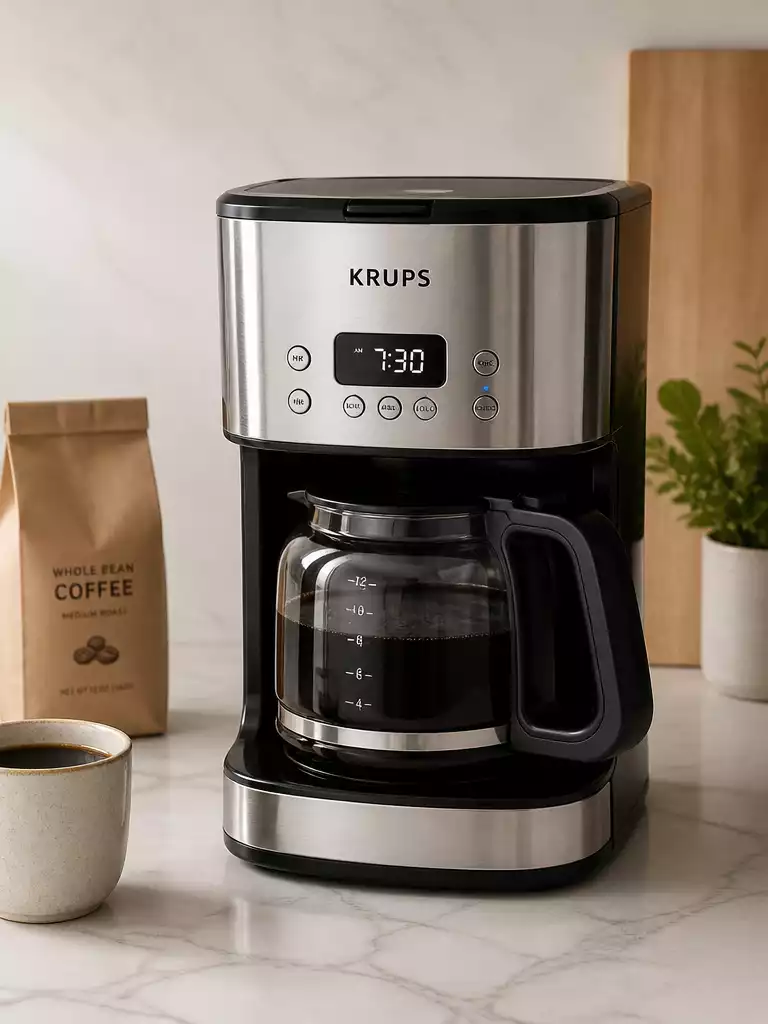
Have you ever struggled with a malfunctioning coffee maker and wished you knew how to fix it quickly? Understanding the reset process for your Krups coffee maker can save you from unnecessary stress and get you back to brewing your perfect cup of coffee in no time!
What You Will Learn
- Recognize common issues that require a reset, such as power interruptions and error messages.
- Differentiate between reset, restart, and factory reset to choose the appropriate solution for your situation.
- Access essential resources like user manuals and FAQs for troubleshooting specific problems effectively.
- Utilize customer service and warranty information to resolve persistent issues and ensure a smooth coffee-making experience.
Krups Coffee Maker Reset Process
There are several reasons you might find yourself needing to reset your Krups coffee maker. Power interruptions, for example, can disrupt your machine’s settings, or you might encounter a clock error that needs addressing. It’s important to recognize these situations so you can quickly return to brewing your favorite cup!
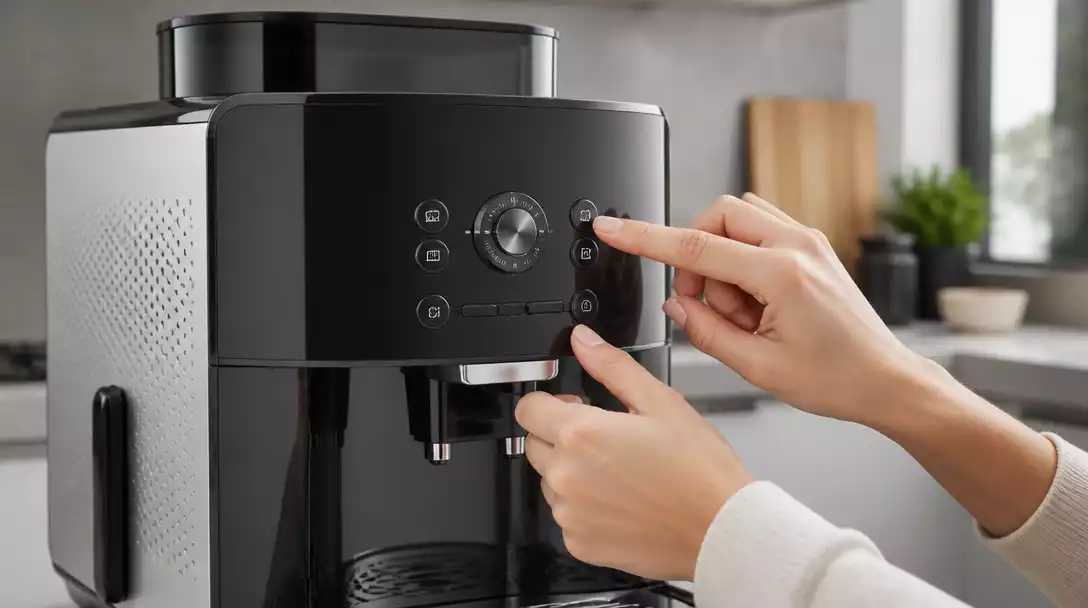
Some other situations can lead to a reset, such as persistent error messages or unexpectedly malfunctioning features. Knowing when to reset can save you time and hassle, allowing you to enjoy your coffee without complications.
Why You Might Need to Reset Your Krups Coffee Maker
- Power outages that interrupt brewing cycles
- Clock errors causing incorrect time display
- Unresponsive buttons or features
- Error messages that hinder operation
If you’ve experienced any of these issues, don’t worry! Resetting your Krups coffee maker can often resolve these common problems and get you back to brewing in no time. For instance, if you encounter an issue similar to a Ninja coffee maker not responding, a simple reset can often resolve it.
Common Reset Terms Explained
Before diving into the reset process, it’s crucial to understand some terms that often come up: reset, restart, and factory reset. A reset generally refers to restoring your machine’s settings. In contrast, a restart simply restarts the machine without affecting its settings. A factory reset, however, wipes everything back to the original state, requiring all settings to be reconfigured.
- Reset: Restores settings without loss of stored preferences.
- Restart: Powers off and on without changing settings.
- Factory Reset: Erases all preferences and settings to default.
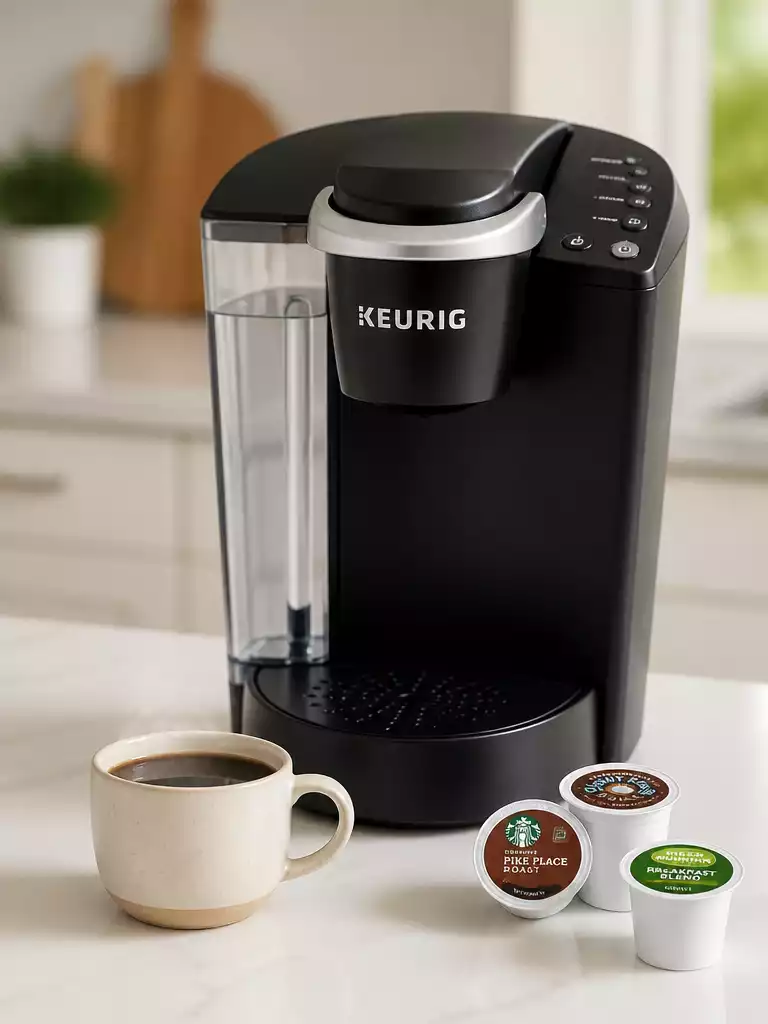
Understanding these terms will help you choose the right approach for your situation, making the reset process smoother and more effective! If you need to perform a factory reset, it’s similar to how you might reset a Keurig coffee maker to its original settings.
Pro Tip
Did you know? Regularly cleaning your Krups coffee maker can prevent many issues that lead to resets. Make it a habit to descale your machine every few months and wipe down the exterior to keep it in top shape. This proactive approach can save you time and ensure a consistently great brew!
Final Thoughts on Resetting Your Krups Coffee Maker
Resetting your Krups coffee maker can seem daunting, but it’s a necessary skill for any coffee lover! Knowing how to effectively reset your machine can help you tackle issues like power interruptions or stubborn error codes, ensuring a seamless brewing experience.
In summary, understanding the reset process is crucial. It not only saves you time but also enhances the longevity of your machine. With the insights shared in this article, you’re now equipped to handle most reset scenarios confidently!
Frequently Asked Questions (FAQs)
Here are some common questions about resetting your Krups coffee maker:
- What does resetting my Krups coffee maker do? A reset typically restores the machine’s settings without erasing stored preferences, often resolving minor glitches or errors.
- When should I perform a factory reset instead of a regular reset? A factory reset is necessary when you want to erase all preferences and settings, returning the machine to its original, out-of-the-box state. This is useful for persistent issues that a regular reset can’t fix or when preparing to sell the machine.
- Can a power outage affect my coffee maker’s settings? Yes, power interruptions can disrupt your machine’s internal clock and other settings, often necessitating a reset to correct them.
- Where can I find my Krups coffee maker’s user manual? User manuals are usually available on the official Krups website, often in the support or product section.
- How often should I clean my Krups coffee maker to prevent issues? Regularly cleaning and descaling your coffee maker every few months can prevent many common problems that might otherwise require a reset.
Where to Find More Help and Resources
If you’re looking for additional guidance, I recommend checking out the official Krups user manuals and FAQs. These resources are incredibly helpful for troubleshooting specific issues and can help clarify any doubts you might have:
- Official Krups User Manuals
- Krups FAQ Section on the Website
- Online Coffee Maker Communities
These materials can provide you with valuable insights tailored to your specific model, enhancing your coffee-making journey! Sometimes, general troubleshooting for other brands like setting the clock on a Cuisinart coffee maker can offer transferable knowledge.
Getting Support: Customer Service and Warranty Information
If you encounter persistent issues despite your best efforts, reaching out to customer service can be a lifesaver! Here’s how you can get the help you need:
- Visit the Krups website for contact options.
- Check your warranty details for coverage information.
- Call customer support for immediate assistance.
Having this information at your fingertips can make the difference between a frustrating experience and a smooth resolution.
Engage and Share Your Experiences
I’d love to hear about your reset experiences! Did you find this guide helpful? Or do you have any tips to share? Please leave a comment below! Sharing our experiences can help others navigate their coffee maker challenges more easily.
Remember, the coffee community thrives on shared knowledge, and every story can help someone else enjoy their daily brew even more!
Recap of Key Points
Here is a quick recap of the important points discussed in the article:
- Recognize when to reset your Krups coffee maker due to power interruptions, clock errors, or unresponsive features.
- Understand the differences between reset, restart, and factory reset to choose the appropriate action for your situation.
- Utilize official Krups user manuals and FAQs for additional guidance on troubleshooting and specific issues.
- Reach out to customer service for support if you encounter persistent issues despite troubleshooting efforts.
- Engage with the coffee community by sharing experiences and tips for resetting your coffee maker.

Pingback: how to use a krups coffee maker