Ready to enjoy the perfect cup of coffee? Setting up your Bella Coffee Maker’s clock is the first step towards brewing excellence. Don’t let a flashing display deter you—let’s get that coffee maker ready!
What You Will Learn
- Understanding why the clock displays 12:00 AM upon first plugging in your Bella Coffee Maker.
- Identifying essential buttons for setting the time: HOUR, MINUTE, and PROG/PROGRAM.
- Following a step-by-step guide to set the correct time on your coffee maker.
- Creating a quick-start checklist for a seamless setup and first brew.
- Accessing FAQs to troubleshoot common issues with your Bella Coffee Maker.
- Finding the user manual for more detailed instructions and support.
- Implementing maintenance tips to extend the life of your coffee maker.
Bella Coffee Maker’s Clock Features
Why Is the Clock Display Flashing 12:00 AM?
When you first plug your Bella coffee maker into a power source, you may notice that the clock display flashes 12:00 AM. This is a normal behavior indicating that the clock has not been set yet. It’s like a friendly reminder from your coffee maker to get started with the setup!
This default flashing is common among many coffee makers and signals that it’s time for you to set the correct time. Until you configure the clock, it will continue to blink, waiting for your input to ensure it brews your coffee at the right moment.
Key Buttons to Set Time on Your Bella Coffee Maker
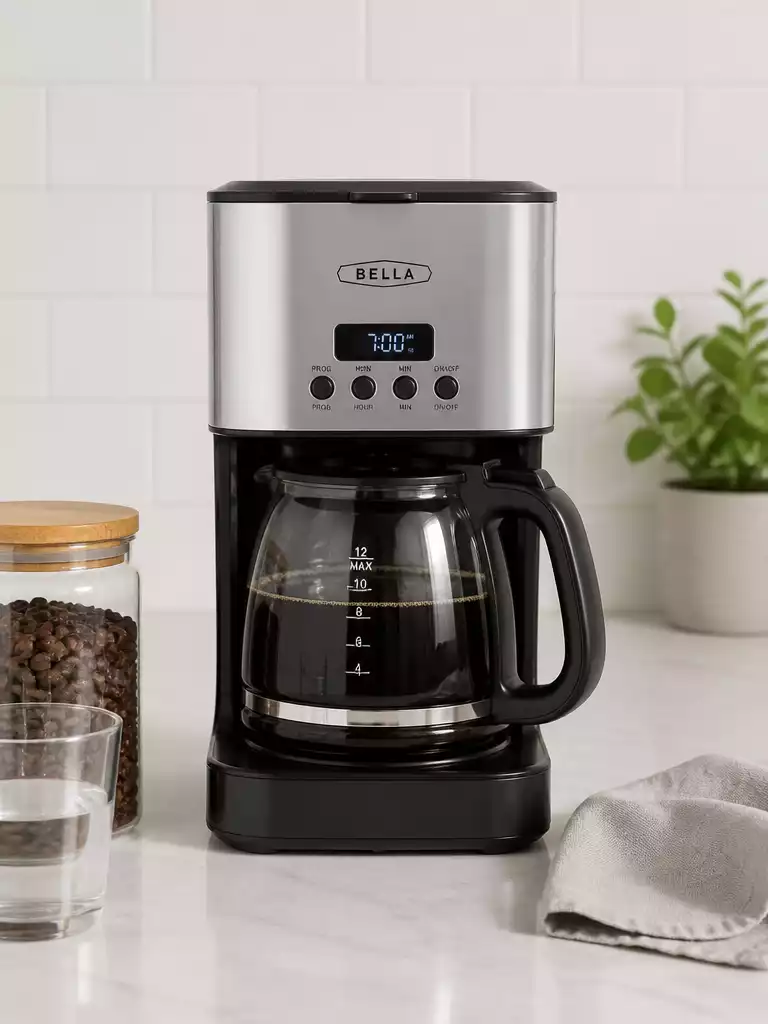
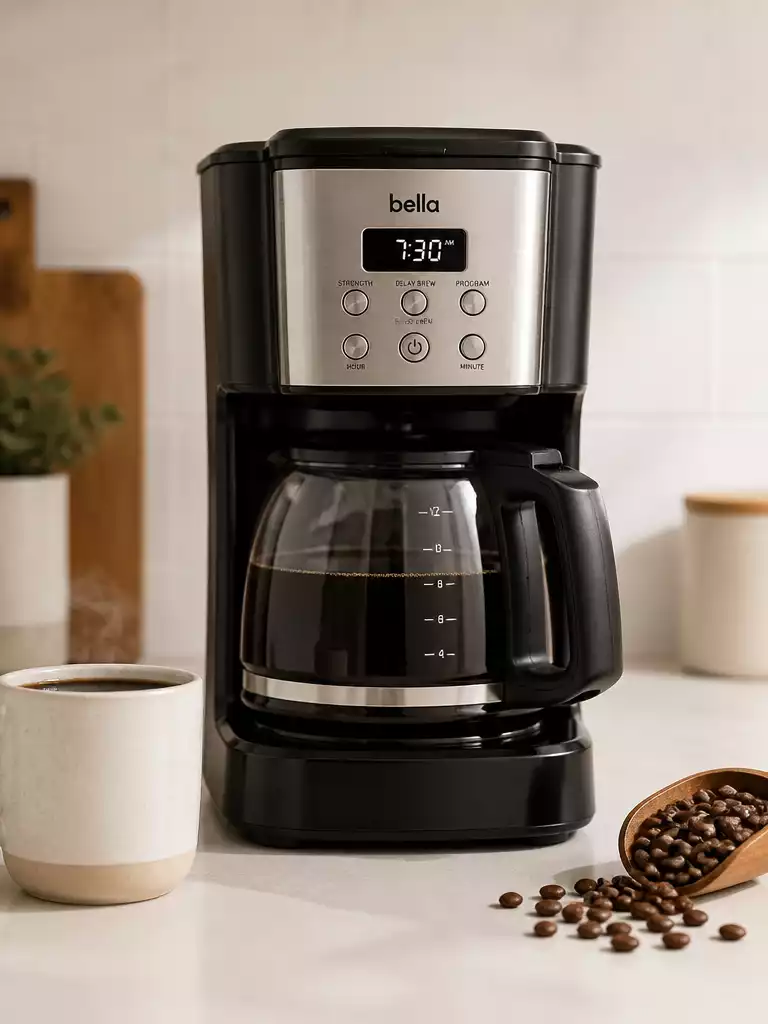
To get your clock up and running, you’ll need to familiarize yourself with three important buttons: HOUR, MINUTE, and PROG/PROGRAM. Each button plays a crucial role in setting the time accurately.
- HOUR: Press this button to adjust the hour display on your coffee maker’s clock.
- MINUTE: Use this button to set the minute display accordingly.
- PROG/PROGRAM: This button is essential for confirming your time settings and programming future brew times.
With these buttons, you can easily control the clock settings and ensure that your Bella coffee maker is ready to brew your favorite morning beverage on time!
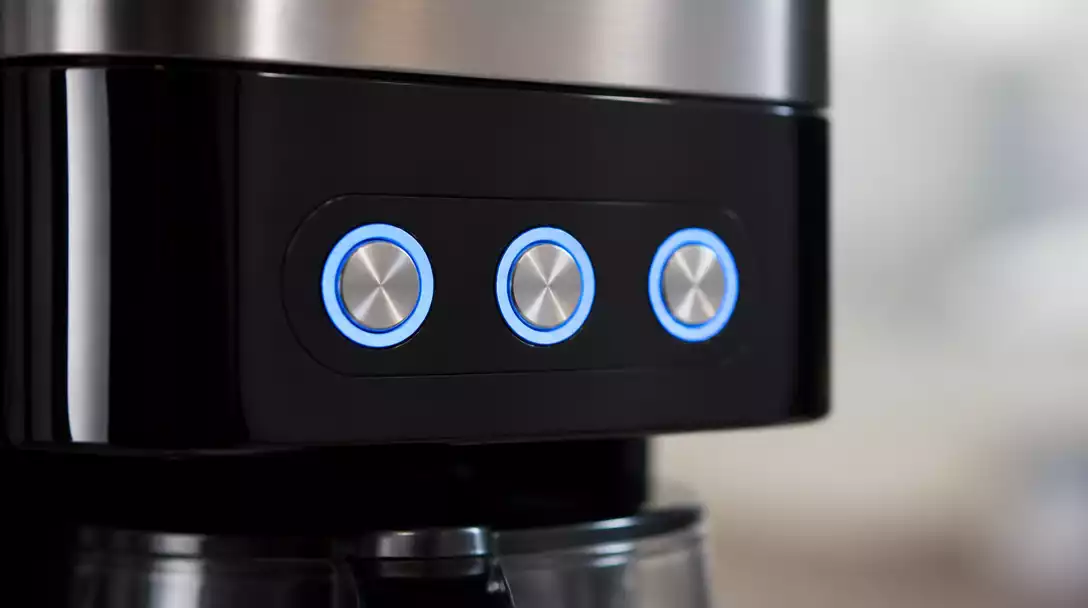
Steps to Set the Current Time on a Bella Coffee Maker
Step-by-Step Guide to Setting Time
Let’s walk through the process of configuring the current time on your Bella coffee maker. Follow these steps to get the clock set up quickly:
- Plug in your coffee maker, and make sure it’s powered on.
- Press and hold the PROG/PROGRAM button until the display begins to blink.
- Use the HOUR button to set the correct hour.
- Press the MINUTE button to adjust the minutes.
- Once the time is set, press the PROG/PROGRAM button again to save your settings.
This step-by-step guide will have your coffee maker clock set in no time! Just follow the prompts on your display, and enjoy the satisfaction of brewing coffee at the perfect moment.
Pro Tip
Did you know? Setting your Bella Coffee Maker’s clock accurately can help ensure that your coffee is brewed at the perfect time, allowing you to wake up to the delightful aroma of fresh coffee every morning. To make this process even easier, consider setting the clock a few minutes ahead, so you have a built-in buffer for those sleepy mornings!
Quick Reference and User Resources
Creating a Quick-Start Checklist for Your Bella Coffee Maker
If you’ve just unboxed your Bella Coffee Maker, it’s essential to get started on the right foot! Here’s a handy quick-start checklist to help you set up your machine easily and enjoy your first cup of coffee:
- Plug in your Bella Coffee Maker and ensure the clock is flashing 12:00 AM.
- Set the current time using the HOUR and MINUTE buttons.
- Program your brew time if desired, following the programming instructions.
- Fill the water reservoir up to the desired level.
- Add your preferred coffee grounds to the filter basket.
- Press the BREW button to start your coffee-making process!
This checklist simplifies the initial setup, ensuring you don’t miss any critical steps. Enjoying a delicious cup of coffee is just a few steps away!
FAQs on Setting Time and Troubleshooting
It’s normal to have questions when getting familiar with your Bella Coffee Maker. Here are some frequently asked questions that might help ease your concerns:
- Why does my clock reset? This usually happens if the coffee maker is unplugged. Make sure to set your time again after plugging it in.
- How do I adjust the brew time? Use the PROG/PROGRAM button in conjunction with the HOUR and MINUTE buttons to set your desired brew time.
- What if my coffee isn’t brewing? Check if there’s enough water in the reservoir and the coffee grounds are placed correctly.
These FAQs can guide you in solving common issues without needing a manual, making your experience smoother!
Where to Find Your Bella Coffee Maker Manual and User Guide
Having a user manual on hand can be incredibly helpful for detailed instructions and troubleshooting. You can find your Bella Coffee Maker manual in several ways:
- Visit the official Bella website and navigate to the support section.
- Check the box your coffee maker came in; many models include a printed manual.
- Look for a digital copy available for download in PDF format.
Referencing the manual ensures you have all the necessary information for optimal use!
Final Thoughts on Using Your Bella Coffee Maker Effectively
Recap of Key Points for Setting Time and Programming
To wrap things up, remember these essential steps for setting the time and programming your Bella Coffee Maker:
- Set the clock to the correct time immediately after plugging in.
- Use the PROG button to program your brew time efficiently.
- Double-check your AM/PM settings to avoid early morning surprises!
Following these tips will ensure you make the most of your coffee maker. It’s all about getting your routine right!
Encouragement to Share Experiences and Seek Help
I’d love to hear your experiences with your Bella Coffee Maker! Feel free to share your tips or ask any questions in the comments below. Our community is here to support one another on this coffee journey!
Maintenance Tips for Longevity of Your Bella Coffee Maker
To keep your Bella Coffee Maker running smoothly and brewing the best coffee, consider these simple maintenance tips:
- Regularly clean the water reservoir and filter basket. If you’re looking for detailed instructions on cleaning, you might find our guide on how to clean a Bella coffee maker particularly useful.
- Run a vinegar solution through the machine every few months to prevent mineral buildup, a common issue for coffee makers. For comprehensive cleaning advice, check out our article on how to clean a coffee maker with vinegar.
- Store the coffee maker in a dry, safe place when not in use.
Implementing these practices will help extend the life of your coffee maker and maintain the quality of your brews!
Recap of Key Points
Here is a quick recap of the important points discussed in the article:
- Set the clock to the correct time immediately after plugging in your Bella Coffee Maker.
- Familiarize yourself with the HOUR, MINUTE, and PROG/PROGRAM buttons for accurate time settings.
- Use the PROG button to efficiently program your brew time.
- Double-check your AM/PM settings to avoid brewing surprises in the morning!
- Refer to the user manual for detailed instructions and troubleshooting tips.
- Regular maintenance, such as cleaning the water reservoir, will prolong the life of your coffee maker.
Frequently Asked Questions About Setting Your Bella Coffee Maker Clock
- Q: Why does my Bella Coffee Maker’s clock flash 12:00 AM when I plug it in?
- A: This is normal. It indicates that the clock has not yet been set and is prompting you to input the correct time.
- Q: Which buttons are used to set the time on my Bella Coffee Maker?
- A: You will primarily use the HOUR, MINUTE, and PROG/PROGRAM buttons.
- Q: How do I set the current time on my Bella Coffee Maker?
- A: Plug it in, press and hold PROG/PROGRAM until the display blinks, use HOUR and MINUTE to set the time, then press PROG/PROGRAM again to save.
- Q: Can I program my Bella Coffee Maker to brew at a specific time?
- A: Yes, the PROG/PROGRAM button is also used to set future brew times in conjunction with the HOUR and MINUTE buttons.
- Q: What should I do if my Bella Coffee Maker clock resets?
- A: The clock typically resets if the coffee maker is unplugged or loses power. Simply follow the steps to set the time again.
- Q: Where can I find more detailed instructions for my Bella Coffee Maker?
- A: You can find detailed instructions in the user manual that came with your coffee maker, or by visiting the official Bella website’s support section for a digital copy. Also, our article on how to use a Bella coffee maker provides additional guidance.