
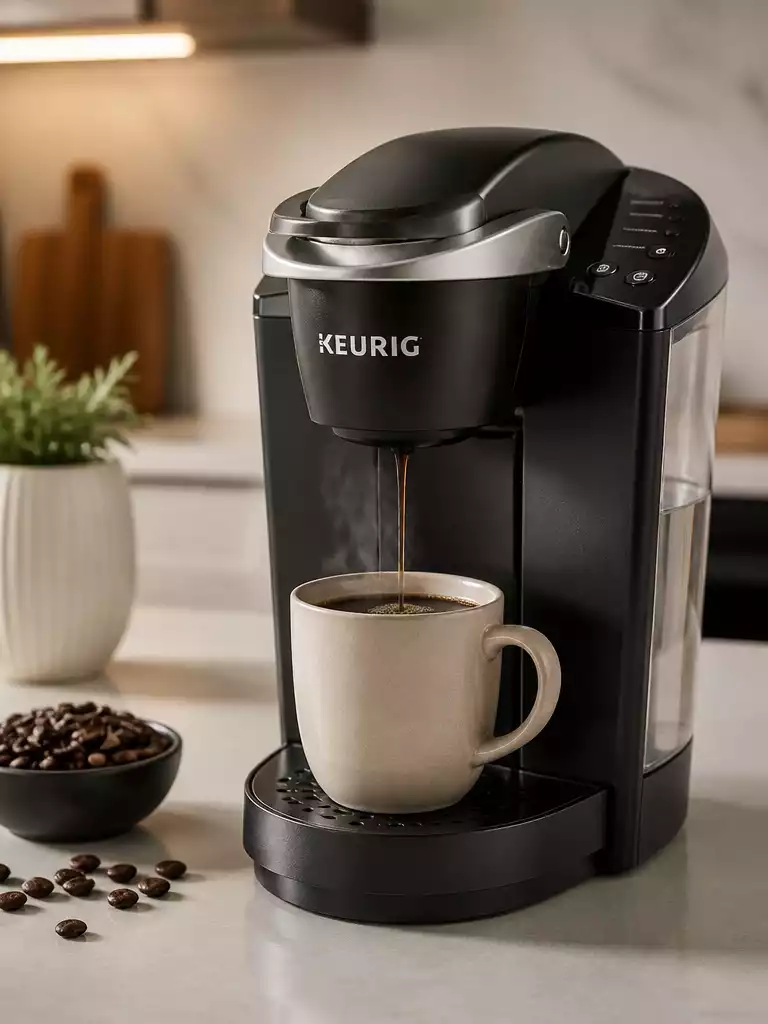
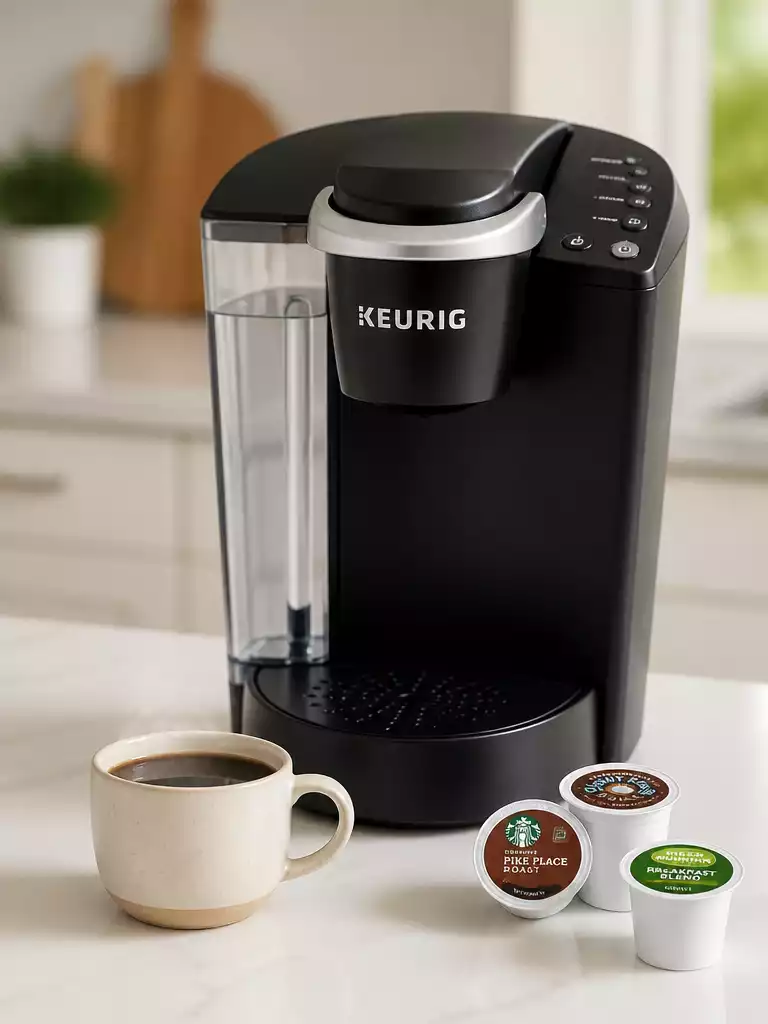
Have you ever wondered why your morning coffee doesn’t taste as delightful as it used to? The answer might lie in your trusty Keurig coffee maker. Resetting your machine can often revive its performance and enhance your brewing experience, ensuring that each cup is as satisfying as the last.
What You Will Learn
- Common signs that indicate your Keurig needs a reset include error messages and inconsistent brewing quality.
- Resetting can clear temporary glitches and recalibrate internal settings for improved performance.
- Water quality plays a significant role in your coffee maker’s functionality; always opt for filtered or bottled water.
- Proper maintenance practices, like regular cleaning and descaling, can prolong your Keurig’s lifespan and enhance coffee flavor.
- When to seek professional help: if issues persist after resets or unusual sounds and leaks occur.
Why You Might Need to Reset Your Keurig Coffee Maker
Have you noticed that your coffee isn’t tasting quite right, or maybe your Keurig isn’t brewing at all? These are common signs that your beloved coffee maker might need a reset. Resetting your Keurig can help restore its usual performance and enhance your brewing experience. In this section, we will explore some of the most prevalent indicators that it’s time for a reset.
Some typical signs that your machine could use a reset include:
- Your Keurig displays error messages on the screen.
- It brews only a partial cup of coffee or doesn’t brew at all.
- The machine is unresponsive to button presses.
- Inconsistent brewing temperatures or strength.
If you’ve encountered any of these issues, don’t worry—resetting your Keurig is often a simple solution! Now, let’s take a closer look at why resetting can address these brewing problems effectively.
How a Reset Can Solve Brewing Issues
A reset can serve as a quick fix for various brewing problems, essentially rebooting the internal systems of your coffee maker. Just like your smartphone or computer, sometimes all it takes is a fresh start to resolve glitches. Resetting your Keurig can clear out any temporary software or operational hiccups and get you back to brewing delicious coffee in no time!
When you reset your Keurig, you’re allowing the machine to recalibrate its internal settings, which can help with:
- Restoring connectivity if you have a smart model.
- Clearing error codes that may be causing issues.
- Reinitializing sensors that may have become misaligned.
If you notice erratic behaviors, a quick reset could save you a trip to the repair shop. Let’s also consider the impact of water quality on your brewing system’s performance because it plays a crucial role in how well your coffee maker functions.
Impact of Water Quality on Your Brewing System Performance
Did you know that the quality of water you use in your Keurig can significantly affect its performance? When brewing coffee, the minerals and contaminants in tap water can build up over time, leading to clogs and other issues within the system. To keep your Keurig running smoothly, always use filtered or bottled water when brewing. You can learn more about maintaining your Keurig by checking out our guide on how to clean a Keurig coffee maker.
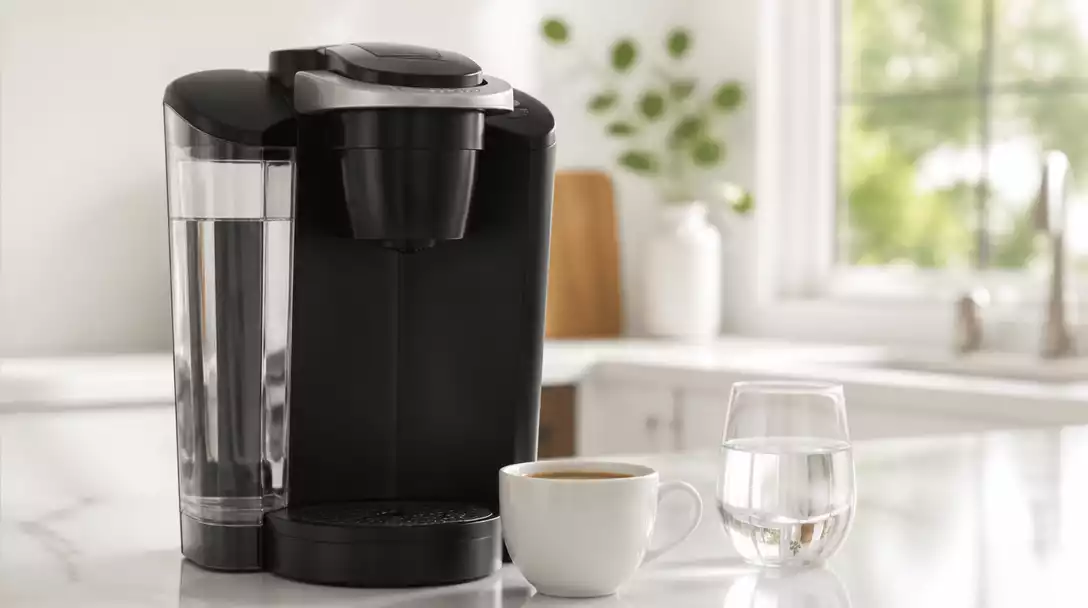
Here are a few aspects of water quality to consider:
- The hardness of water can lead to scaling, which may trigger the descale light.
- Chlorine and other chemicals can adversely affect the taste of your coffee.
- Impurities may lead to inconsistent brewing temperatures.
By paying attention to the water quality, you can prolong the life of your Keurig and ensure every cup of coffee is just as delightful as the last. If you think your coffee maker might need a reset, stick around as we dive into types of resets for different Keurig models next!
Pro Tip
Did you know? Regular maintenance, including descaling and using filtered water, can significantly extend the lifespan of your Keurig and improve the taste of your coffee. Make it a habit to check your water quality and schedule descaling every few months for optimal performance!
Recapping Key Steps and When to Seek Further Help
Now that we’ve explored various reset methods for your Keurig coffee maker, it’s important to have a quick reference for those key steps. Recognizing the right reset for your specific model can save you time and frustration. Here’s a brief recap of the primary reset methods:
- Universal Reset: Power cycling by unplugging the machine for a few minutes.
- Smart and Digital Models: Accessing the settings menu for a factory reset.
- Descale Light Reset: Following the specific post-cleaning steps to turn off the indicator.
By keeping these methods in mind, you’ll be better equipped to handle any brewing issues that arise. If you’re still facing problems after attempting these resets, it might be time to consider other actions.
Determining the Right Course of Action for Persistent Problems
Sometimes, despite our best efforts, a reset just isn’t enough. Here are some indicators that suggest it might be time to take further action:
- No improvement in brewing quality after multiple resets.
- Unusual noises or leaks that weren’t present before.
- Persistent error messages or lights that won’t turn off.
If you find yourself in this situation, consider exploring cleaning or descaling procedures, which can often restore your coffee maker’s performance. For instance, if you own a Cuisinart, you might find our article on how to descale a Cuisinart coffee maker helpful, as the principles of descaling are similar across many brands. If these solutions don’t help, reaching out to a professional repair service may be necessary.
Knowing When to Contact Customer Support for Your Keurig
At times, it’s best to enlist the help of experts. If you encounter ongoing issues even after trying all the suggested resets and troubleshooting steps, don’t hesitate to contact Keurig’s customer support. Here’s when you should definitely reach out:
- If your machine is still under warranty and exhibiting problems.
- When the troubleshooting guides haven’t resolved the issue.
- If you’re unsure about the next steps and need professional advice.
Remember, it’s always better to ask for help than to risk damaging your beloved coffee maker! Their team is there to assist you with any complex problems you might face, ensuring you get back to enjoying your favorite brews.
Taking Care of Your Keurig: Best Practices for Maintenance
Maintenance is crucial for keeping your Keurig running smoothly. Regular care can prevent many common issues. Here are some best practices I follow:
- Regular Cleaning: Clean your machine monthly to remove coffee oils and debris.
- Descaling: Use a recommended descaling solution every three to six months to prevent mineral buildup.
- Changing Water Filters: Replace the filter regularly for better-tasting coffee.
By committing to these practices, you not only enhance the longevity of your coffee maker but also ensure a consistently great brew every time!
Keeping Your Brew Cycle Smooth: Tips for Longevity
A smooth brew cycle is essential for a top-notch coffee experience. Here are some tips I rely on:
- Always use fresh, filtered water to enhance taste and reduce scale buildup.
- Avoid overfilling the water reservoir.
- Use the recommended K-Cup and compatible products for best results.
With these simple steps, you can enjoy a reliable brewing experience and delicious coffee daily!
Understanding the Importance of Replacing Coffee Maker Accessories
Replacing accessories can seem minor, but it’s a game-changer for your coffee maker’s performance. Here’s what to keep an eye on:
- Change water filters as needed to improve water quality.
- Replace worn out K-Cup holders or brew baskets for optimal brewing.
- Check for any cracks or damage to the reservoir that may lead to leaks.
By keeping up with these replacements, you not only maintain the efficiency of your Keurig but also enhance your overall coffee experience!
Frequently Asked Questions About Resetting Your Keurig
- Q: Why should I reset my Keurig coffee maker?
- A: Resetting your Keurig can resolve common issues like error messages, partial brews, unresponsiveness, and inconsistent brewing temperatures, essentially giving the machine a fresh start.
- Q: What are the common signs that my Keurig needs a reset?
- A: Look for error messages on the screen, partial or no brewing, unresponsiveness to buttons, and inconsistent coffee taste or temperature.
- Q: How does water quality affect my Keurig’s performance?
- A: Poor water quality (hard water, unpurified water) can lead to mineral buildup, clogs, and affect both brewing performance and coffee taste. Using filtered or bottled water is highly recommended.
- Q: What are the different types of resets for Keurig machines?
- A: Common resets include a universal power cycle (unplugging the machine), accessing the settings menu for a factory reset on smart models, and performing specific steps to clear the descale light after cleaning.
- Q: When should I contact Keurig customer support?
- A: You should contact customer support if issues persist after trying all troubleshooting steps, if your machine is under warranty, or if you need professional advice for complex problems.
- Q: How can I prolong the life of my Keurig?
- A: Regular maintenance, such as monthly cleaning, descaling every few months, and regularly replacing water filters, can significantly extend your Keurig’s lifespan and improve coffee quality.
Recap of Key Points
Here is a quick recap of the important points discussed in the article:
- Reset your Keurig if you encounter error messages or inconsistent brewing.
- Using filtered or bottled water can improve coffee quality and prevent clogs.
- Key reset methods include power cycling and accessing settings for smart models.
- If issues persist, consider cleaning or descaling your machine.
- Contact customer support if problems continue or if the machine is under warranty.
- Regular maintenance, such as cleaning and replacing filters, is essential for longevity.

Pingback: How to Reset a Krups Coffee Maker: Step-by-Step Guide