
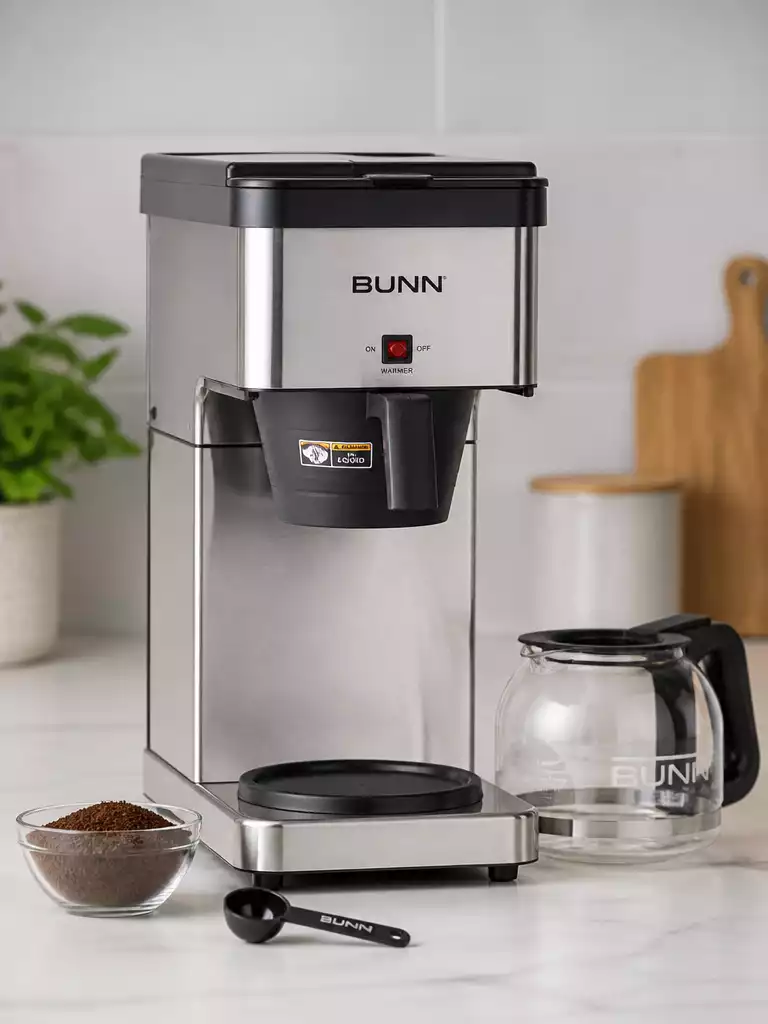
Have you ever faced the frustration of a coffee maker that just won’t cooperate? You’re not alone! Understanding how to reset your BUNN coffee maker can turn a morning disaster into a delightful brewing experience.
What You Will Learn
- Reasons why you might need to reset your BUNN coffee maker, including error messages and performance issues.
- Common troubleshooting tips applicable to various BUNN models to help identify the issue quickly.
- Simple steps for performing a basic reset on your coffee maker to restore functionality.
- The importance of regular maintenance and resets to keep your BUNN coffee maker in top condition.
Essential Guide to Resetting Your BUNN Coffee Maker
There are several reasons why you might find yourself needing to reset your BUNN coffee maker. Common issues include error messages popping up on the display or performance hiccups that prevent you from brewing your favorite cup of coffee. If you’re like me, nothing is more frustrating than a coffee maker that refuses to cooperate, especially on a busy morning!
Sometimes, these issues can stem from basic troubleshooting needs, like a power surge or a simple oversight. By resetting your machine, you can often solve these problems and get back to brewing delicious coffee.
Reasons to Reset Your BUNN Coffee Maker
- Encountering error messages indicating a malfunction
- Brewing performance issues, such as slow or incomplete cycles
- When the machine becomes unresponsive or displays unusual behavior
- After maintenance tasks, to ensure proper functioning
Each of these situations can be resolved with a straightforward reset process. Taking the time to understand why your coffee maker might need a reset can save you from unnecessary stress and potential coffee-less mornings!
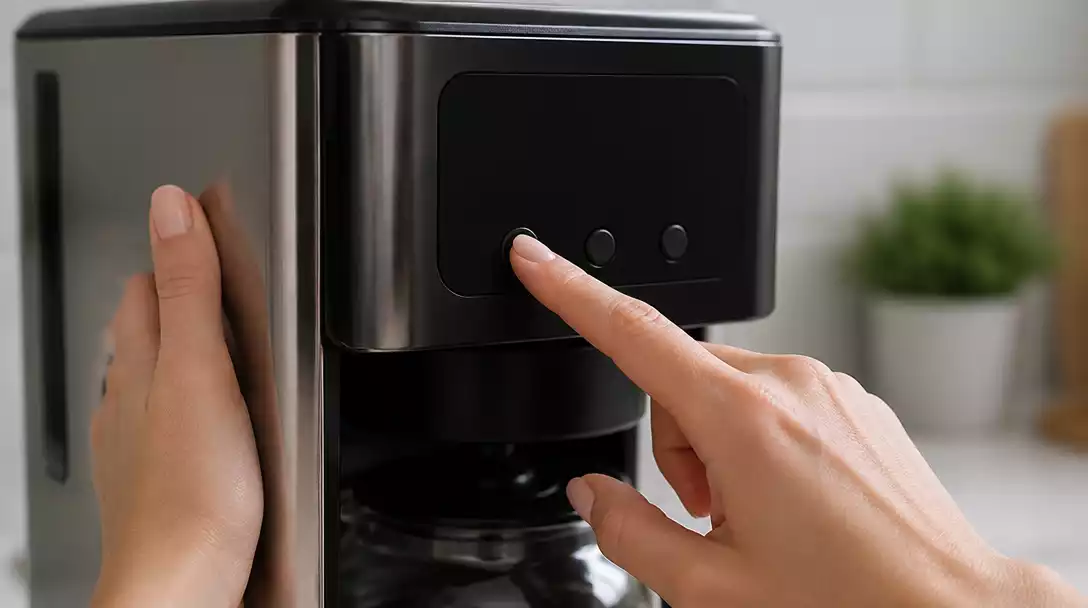
Common Troubleshooting Tips for BUNN Coffee Maker Models
When faced with a malfunctioning BUNN coffee maker, knowing how to troubleshoot can be a game changer. There are various techniques that apply across different models, helping you pinpoint the issue quickly. Whether it’s an electrical issue or a clean cycle indicator that needs your attention, I’ve gathered some tips to help you out.
- Check if the power cord is properly plugged in and the outlet is functional.
- Look for any signs of clogged parts; a clean machine brews better!
- Refer to the clean cycle indicator and ensure it’s reset after maintenance.
- Listen for unusual sounds, which could indicate jammed components.
By following these tips, you can often identify what’s causing the problem and decide if a reset or further inspection is needed. Remember, regular maintenance is key to keeping your BUNN coffee maker in top shape!
Quick Steps for a Basic Reset Procedure
If you find that a reset is the next step to take, the process is surprisingly simple. Here’s how to reset your BUNN coffee maker in just a few easy steps:
- Unplug the machine from the electrical outlet.
- Wait for at least 10 seconds to ensure all residual power has drained.
- Plug the coffee maker back into the outlet.
These quick steps can often resolve minor issues, restoring your coffee maker to full functionality. So next time your BUNN coffee maker acts up, just remember: a reset is often just a few seconds away!
Pro Tip
To ensure the longevity of your BUNN coffee maker, consider using filtered water for brewing. This not only improves the taste of your coffee but also reduces mineral buildup in the machine, which can lead to clogs and other performance issues over time.
Wrapping Up Your BUNN Coffee Maker Reset Journey
As we come to the end of our guide on resetting your BUNN coffee maker, let’s recap some key points. It’s essential to follow proper troubleshooting procedures to ensure your coffee maker functions smoothly. From identifying common error messages to understanding model-specific reset instructions, being informed can save you time and hassle!
Remember, a well-maintained coffee maker not only enhances your brewing experience but also extends the life of the machine. Regular resets, as needed, can help keep your BUNN in top condition.
Frequently Asked Questions About BUNN Coffee Maker Resets
Many of you might still have questions about resetting your BUNN coffee maker. Here are some common queries and their answers:
- How do I reset the clean light on my BUNN? To reset the clean light, press and hold the clean button for five seconds.
- Where is the reset button located? The reset button is typically found on the back or side of the machine, depending on the model.
- What should I do if my BUNN still doesn’t work after a reset? If the issue persists, it might be time to reach out to BUNN customer service for further assistance.
- Can a reset fix all BUNN coffee maker problems? A reset can resolve many common issues like error messages or minor performance hiccups, but it won’t fix mechanical failures or severe clogs.
- Is it safe to reset my BUNN coffee maker frequently? Yes, performing a basic power cycle (unplugging and replugging) as a troubleshooting step is generally safe and won’t harm your machine.
These FAQs are common among coffee enthusiasts, and knowing the answers can empower you in your coffee-making journey!
Understanding the Role of Coffee Grounds in Your Brew
The type and quality of coffee grounds you use can significantly affect your brew’s flavor and aroma. Freshly ground coffee can yield the best extraction, ensuring you enjoy every cup to its fullest. Additionally, the grind size plays a critical role in this process. Here are some tips to optimize your coffee grounds:
- Use fresh coffee beans: Always opt for whole beans and grind them right before brewing. Discover the best coffee beans for cold brew to enhance your experience.
- Choose the right grind size: Coarse grinds work well for drip coffee, while finer grinds are better suited for espresso.
- Store coffee properly: Keep your coffee beans in an airtight container away from light and moisture.
By considering these factors, you can enhance the quality of your coffee brewing experience with your BUNN machine!
Next Steps for BUNN Coffee Maker Owners
As a proud BUNN coffee maker owner, the next steps involve keeping your machine in prime condition. Always refer to your owner’s manual for specific instructions and maintenance tips tailored to your model. Regular cleaning is vital to prevent buildup that could affect your coffee’s taste and your machine’s performance!
Don’t hesitate to schedule periodic checks and cleans. This proactive approach will ensure your coffee maker is always ready to deliver that perfect cup of coffee every time!
Recap of Key Points
Here is a quick recap of the important points discussed in the article:
- Reset your BUNN coffee maker if you encounter error messages or performance issues.
- Common troubleshooting tips include checking power connections and ensuring the machine is clean.
- Perform a basic reset by unplugging the machine, waiting 10 seconds, and plugging it back in.
- Maintain your coffee maker regularly to enhance performance and extend its lifespan.
- Use fresh coffee beans and the right grind size for optimal brewing results.
Pingback: how to use a bunn coffee maker
Pingback: how to take apart a keurig coffee maker
Pingback: how to use a mr coffee maker
Pingback: how to make iced coffee with a ninja coffee maker