Are You Maximizing Your Keurig Duo’s Potential?
Are you maximizing the potential of your Keurig Duo coffee maker? Understanding its features and functionalities can transform your coffee experience, making it more enjoyable and efficient.
What You Will Learn
- The key features of different Keurig Duo models, helping you choose the right one for your needs.
- How the POWER button functions, including its role in energy management.
- The benefits of utilizing programmable settings for optimal brewing and energy efficiency.
- Best practices for power management and maintenance to prolong the life of your coffee maker.
- Access methods for your user manual and customer support resources for troubleshooting.
Understanding Your Keurig Duo Coffee Maker’s Power Options
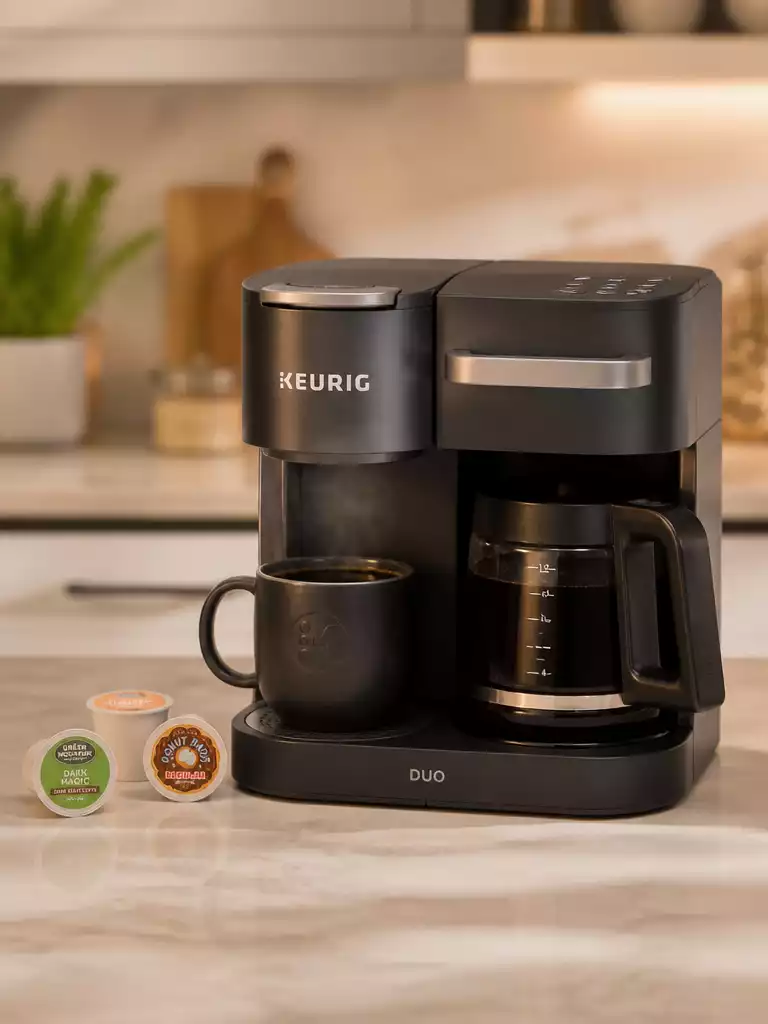
When it comes to enjoying your morning brew, knowing your Keurig Duo coffee maker inside and out is key! The lineup includes several models: the K-Duo, K-Duo Plus, K-Duo Essentials, and Gen 2. Each of these models boasts unique features but shares a common purpose—delivering delicious coffee. Let’s dive into what makes each one special!
The K-Duo is perfect for those who love versatility, allowing you to brew a single cup or a full carafe. The K-Duo Plus elevates this experience with a sleek design and enhanced features, while the K-Duo Essentials offers simplicity and reliability. Lastly, the Gen 2 model combines modern tech with user-friendly operation, making coffee brewing easier than ever!
Overview of the Keurig Duo Models
Here’s a quick breakdown of the Keurig Duo models and their standout features:
- K-Duo: Brews both single cups and full carafes; great for small gatherings.
- K-Duo Plus: Offers a stronger brew setting and a sleek, modern design.
- K-Duo Essentials: Focuses on straightforward brewing without all the bells and whistles.
- Gen 2: Incorporates advanced features for tech-savvy users who crave convenience.
Understanding the different options available helps you choose the right model for your coffee needs! Each version includes a variety of settings that can be personalized to your liking, so there’s something for everyone.
How the POWER Button Functions
One of the most crucial functions of your Keurig Duo is the POWER button. This button controls the main power for your brewer, allowing you to turn it on and off easily. When you press it, the brewer powers up, initiating the heating process and preparing to brew your coffee.
It’s important to remember that simply pressing the POWER button doesn’t completely turn off the machine. Instead, it switches your brewer into a standby mode, which saves energy while keeping it ready for your next cup. This feature is designed to enhance efficiency while ensuring you can enjoy your coffee whenever you need!
Programmable Settings and Power Management
Your Keurig Duo coffee maker is equipped with programmable settings that help manage power consumption effectively. By utilizing features like auto-off and brew schedules, you can enjoy your coffee guilt-free, knowing you’re being energy efficient!
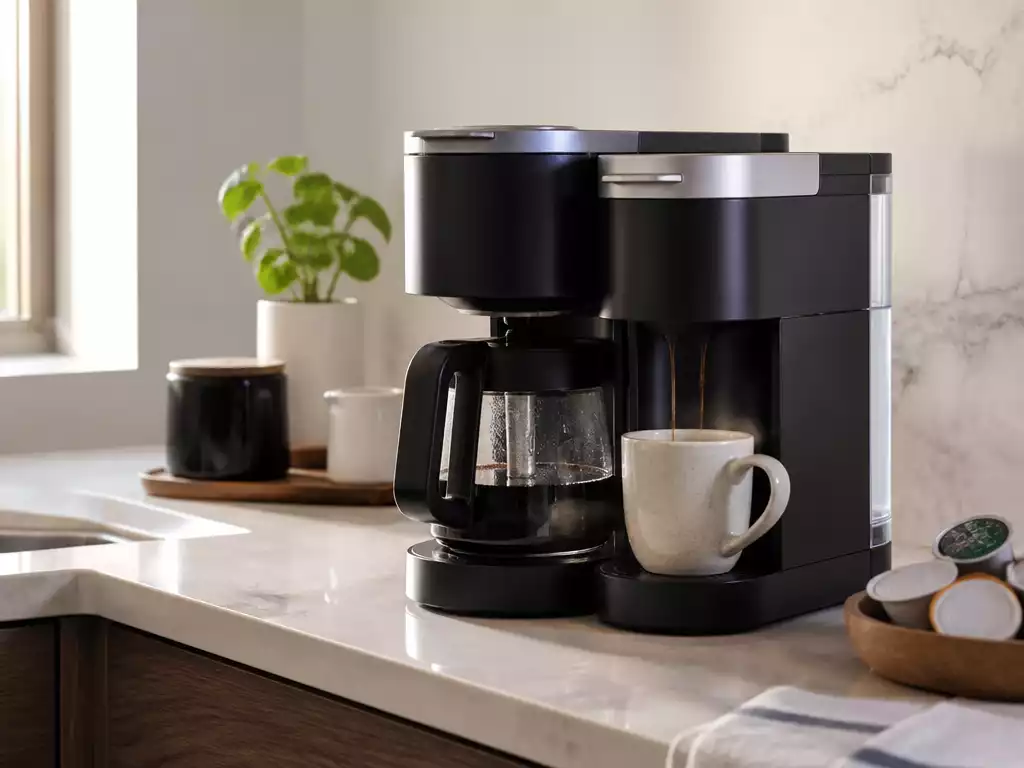
With programmable settings, you can set your brewer to turn off automatically after a designated period. This not only conserves energy but also ensures safety—no more worrying about whether you left your coffee maker on! Maximizing these features contributes to a more environmentally friendly coffee experience.
- Schedule your brew time to wake up to freshly brewed coffee.
- Utilize the auto-off feature to save energy and prevent overheating.
- Adjust brew settings for optimal flavor and strength.
Embracing these programmable settings not only simplifies your morning routine but also promotes a more sustainable lifestyle.
Pro Tip
Did you know? Regularly descaling your Keurig Duo can improve its performance and extend its lifespan. Aim to descale your coffee maker every 3-6 months to keep it running smoothly and ensure your coffee always tastes fresh!
Frequently Asked Questions (FAQs) About Your Keurig Duo
- What are the main Keurig Duo models?
- The main Keurig Duo models include the K-Duo, K-Duo Plus, K-Duo Essentials, and Gen 2. Each offers unique features, from single-cup and carafe brewing to enhanced design and advanced technology.
- How does the POWER button on my Keurig Duo work?
- The POWER button controls the main power, turning the brewer on and initiating the heating process. Pressing it places the machine in a standby mode, which saves energy while keeping it ready for your next brew, rather than completely turning it off.
- What are the benefits of using programmable settings?
- Programmable settings, such as auto-off and brew schedules, help manage power consumption, enhance energy efficiency, and ensure safety. You can set the brewer to turn off automatically or schedule a brew time for convenience.
- Can the auto-off feature on my Keurig Duo be disabled?
- While the auto-off feature is crucial for safety and energy efficiency, there is no straightforward way to disable it entirely. You can, however, adjust settings to minimize its frequency or refer to your user manual for model-specific guidance.
- Why does my Keurig Duo sometimes turn off unexpectedly?
- Unexpected shutdowns can be due to a loose power connection, intermittent power supply issues, or overly sensitive auto-off settings. Ensure the machine is properly plugged in, and check your user manual for specific troubleshooting steps.
- How often should I descale my Keurig Duo?
- It is recommended to descale your Keurig Duo every 3-6 months. Regular descaling improves performance, extends the lifespan of your coffee maker, and ensures your coffee always tastes fresh.
Frequently Asked Questions About Turning Off the Keurig Duo
Can I Disable the Auto-Off Feature?
Many of you have asked if it’s possible to completely disable the auto-off feature on your Keurig Duo. While this feature is designed to enhance safety and energy efficiency, there is no straightforward way to turn it off entirely. The auto-off is an essential component for preventing overheating and potential safety issues.
However, you can adjust the settings to minimize the frequency of auto-off occurrences. For instance, if you regularly brew coffee, setting your machine to keep warm for a longer duration may be beneficial. Always remember to check the user manual for specific guidance on your model!
- Auto-off activates after 5 minutes of inactivity for the brewer.
- The carafe plate will auto-off after 2 hours.
- Consider a programmable schedule for your brewing needs.
Why Does My K-Duo Turn Off by Itself?
If your K-Duo is turning off unexpectedly, it can be frustrating! There are a few common reasons for this behavior. First, check if the machine is properly plugged in and the outlet is functioning. Sometimes, a loose connection can be the culprit!
Additionally, intermittent power supply issues or settings that are too sensitive may cause your brewer to shut off. You might also want to assess whether the auto-off feature is triggering at unexpected times. If these suggestions don’t resolve the issue, consulting the user manual can provide further insight.
- Ensure the power cord is securely plugged in.
- Check for any blown fuses or tripped circuit breakers.
- Review the auto-off settings in the user manual.
How to Access the User Manual for Troubleshooting
Accessing your user manual is crucial for understanding your Keurig Duo better! You can typically find the manual online by visiting the official Keurig website or the specific product page for your model. This resource provides valuable troubleshooting tips and operational instructions.
If you prefer a physical copy, consider looking in the box your coffee maker came in or contacting customer support for assistance. Having the user manual on hand can help you resolve any questions or issues efficiently.
- Visit the Keurig website and navigate to the support section.
- Search for your specific model to download the manual.
- Keep a printed version handy for quick reference!
Final Thoughts on Using Your Keurig Duo Safely
Best Practices for Power Management
Maintaining power management is essential for the longevity of your Keurig Duo. To ensure your coffee maker remains in top shape, it’s vital to develop good habits around turning it off after use. The auto-off feature is there for a reason, so utilizing it is a great practice!
Moreover, I always recommend unplugging the machine when not in use for extended periods. This simple action can help prevent any power-related issues. Making these a part of your routine can greatly enhance the durability of your brewer!
- Turn off and unplug after each use.
- Set the auto-off feature according to your brewing schedule.
- Regularly clean the machine to ensure optimal performance.
Maintenance Tips for Longevity and Performance
To keep your Keurig Duo running efficiently, regular maintenance is key. One of the best practices is to clean your coffee maker regularly. This includes descaling the unit every few months and cleaning the water reservoir to avoid buildup.
Additionally, checking and replacing water filters, if applicable, is essential for ensuring the best flavor in your coffee. I find that consistency in maintenance not only improves performance but can also prolong the lifespan of your coffee maker!
- Descale every 3-6 months.
- Clean the water reservoir regularly.
- Replace water filters as needed.
Additional Customer Support Resources
If you ever find yourself in need of help beyond the user manual, don’t hesitate to reach out to customer support! Keurig provides several resources, including online chat, email support, and phone assistance, to help you troubleshoot any issues.
Connecting with customer service can often lead to solutions that you may not have considered. Plus, they can provide guidance tailored specifically to your model. Always keep this information handy for quick access!
- Visit the Keurig website for online support options.
- Call their customer service line for immediate assistance.
- Check forums and user groups for additional tips.
Recap of Key Points
Here is a quick recap of the important points discussed in the article:
- The Keurig Duo lineup includes the K-Duo, K-Duo Plus, K-Duo Essentials, and Gen 2, each catering to different brewing needs.
- The POWER button puts the machine in standby mode, saving energy while keeping it ready for use.
- Utilizing programmable settings like auto-off and brew schedules enhances both energy efficiency and convenience.
- Regular maintenance, including descaling and cleaning, is vital for optimal performance and longevity of the coffee maker.
- Customer support resources are available for troubleshooting beyond the user manual, including online chat and phone assistance.